This guide is for Unreal Engine 5.0 and newer engine versions!
First enable the Enhanced Inputs plugin in the engine plugins menu (It may already be enabled) after enabling it restart the engine.

Next go to the Project Settings and then to the Inputs category and find the settings shown below and set them to the same as the image below.

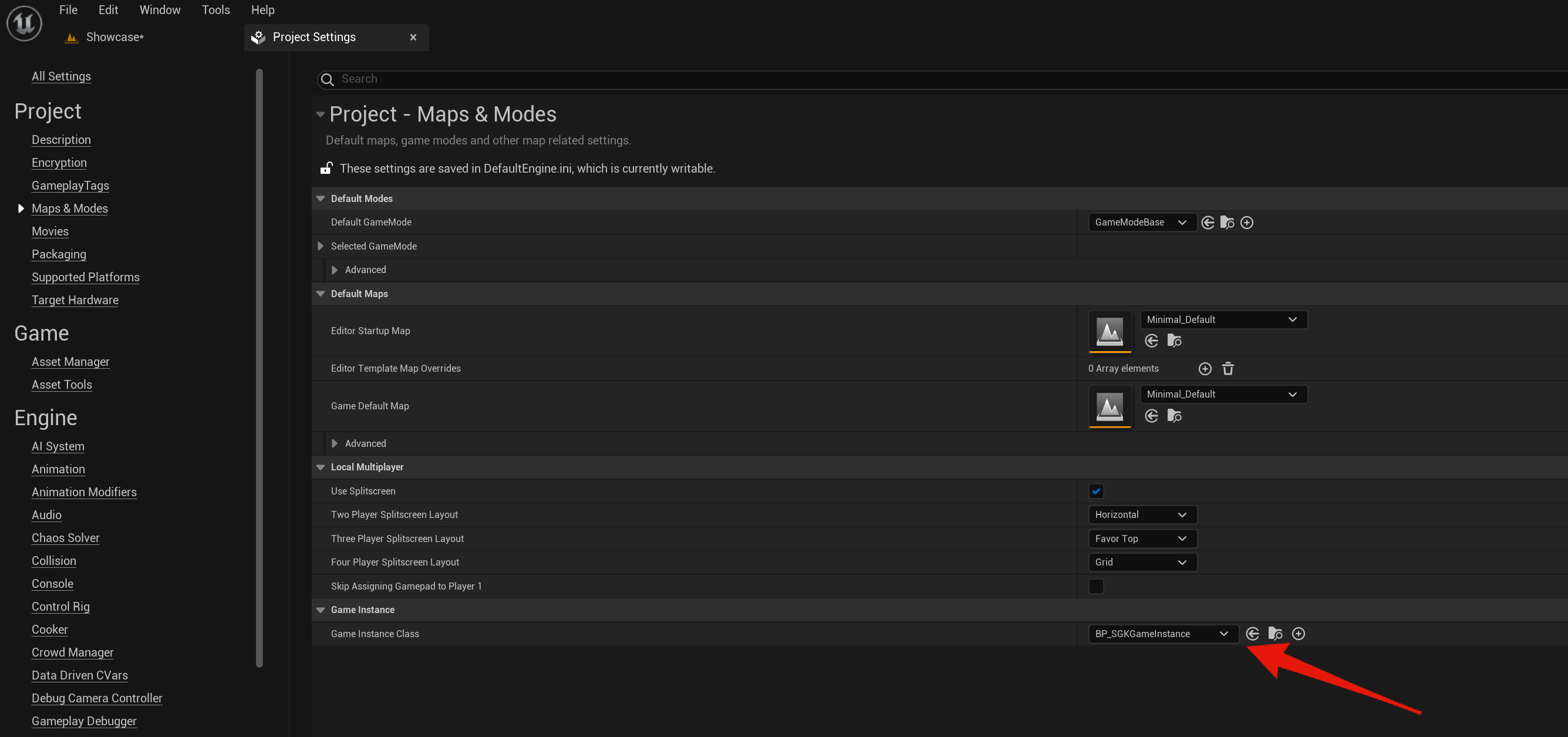
Then in the Project Settings in the Maps & Modes category make sure the Game Instance Class is set to BP_SGKGameInstance like the image below.
 Defuse Studios