To change a device’s settings go to the device blueprint so for example the BP_WallLight and select the BP_MasterPowerComponent in the Components panel, then in the Details panel find the Power Settings category and in that category you will find the Required Power settings.
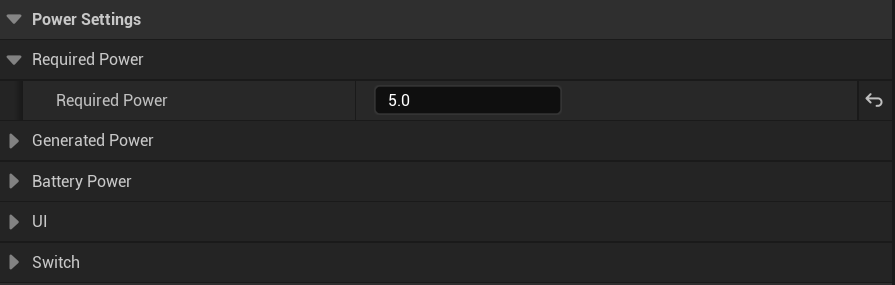
Here you can change this device’s Required Power settings, you can hover your mouse over each settings name to get a tooltip with more info about each setting.
Required Power – This is the amount of power this device requires to be active
Functions
There are built in functions that will run when a device receives its required power, these events run both server and client side.

When a device’s Has Required Power value changes the PES Has Required Power event will be called in the device’s blueprint, you can see an example of the BP_Switch above that uses this event to runs its activation effect function, this function is used to hide/unhide the light component and change the bulb materials settings.
The PES Has Required Power event can be used in any device blueprint to run code specific to that device when it does or doesn’t receive its required power
 Defuse Studios