This will show you how to change the icons and build type in the build menu widget, this will also apply to other widgets included.
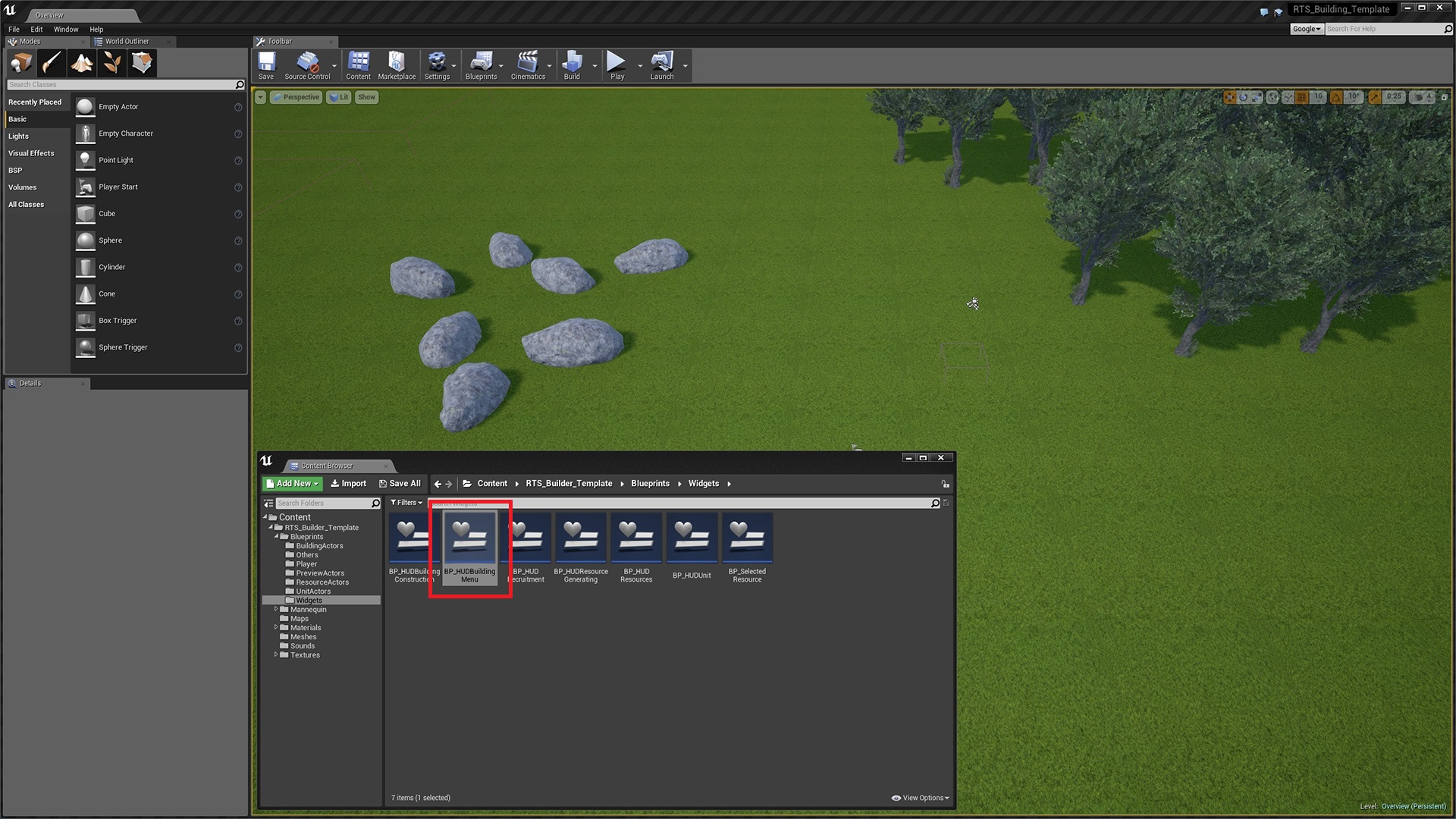
1. Select HUDBuildingMenu widget found here.

2. Select the icon you want to change highlighted in red.
3. Then either drag and drop your icon on to the green highlighted area or click on the green area to select the new icon.

4. Select the graph tab, then select a button building class.
5. Then change the blue highlighted drop down to the building you want it to spawn.
 Defuse Studios