In the current version recruitment times are controlled by a timeline you can find this timeline in the master building blueprint.
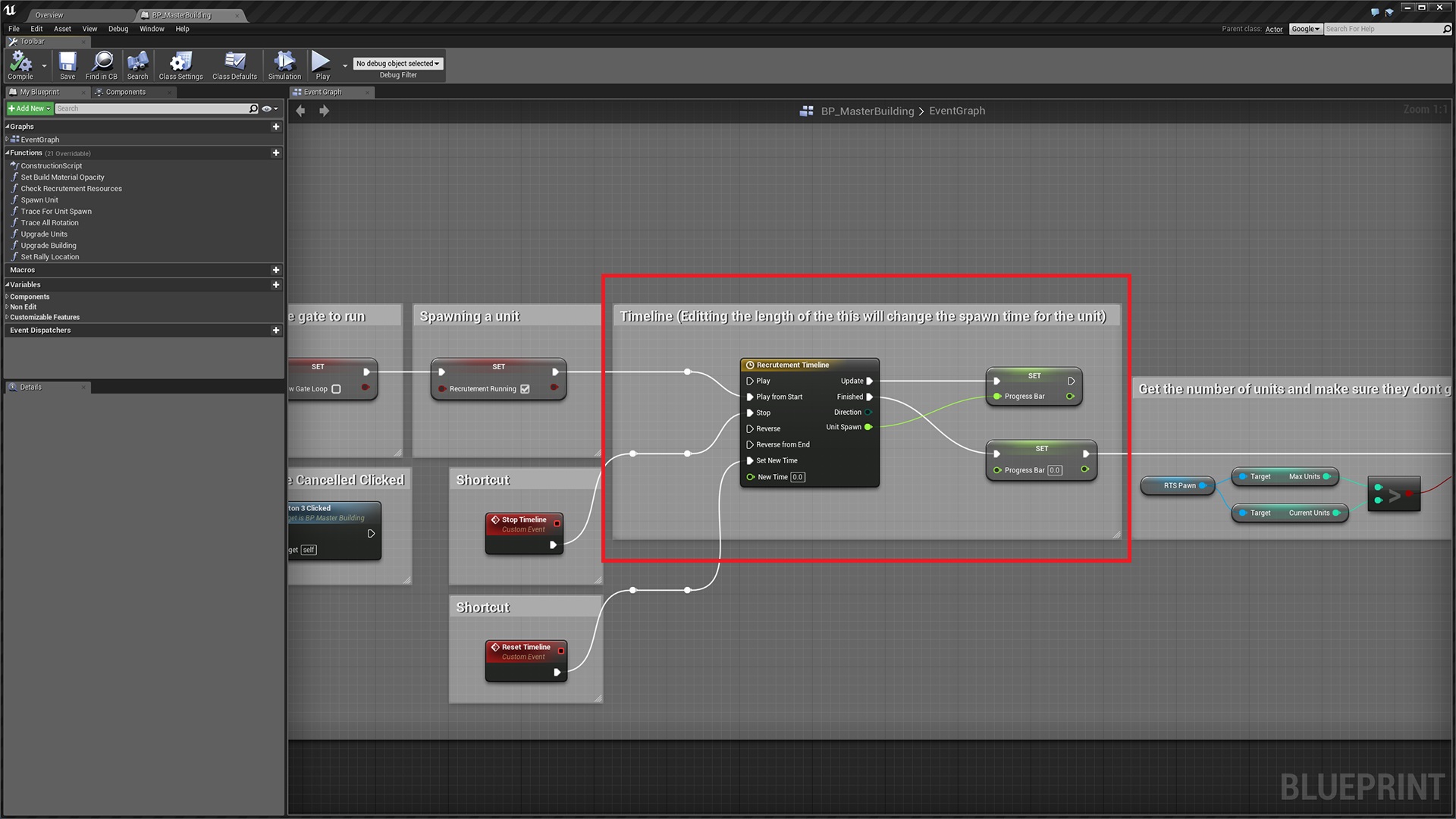
1. Double click the timeline node to access the timeline variables.

2. Change the red highlighted value to the amount of time you want the recruitment to be (This is in seconds).
3. Select the point on the graph highlighted in green.
4. Then change the value highlighted in blue to the same as the value in red.
5. Compile and save and your finished!
 Defuse Studios