Go to the BP_HostNewGameServer and in the Designer view select the Combo Box String component like in the image below.
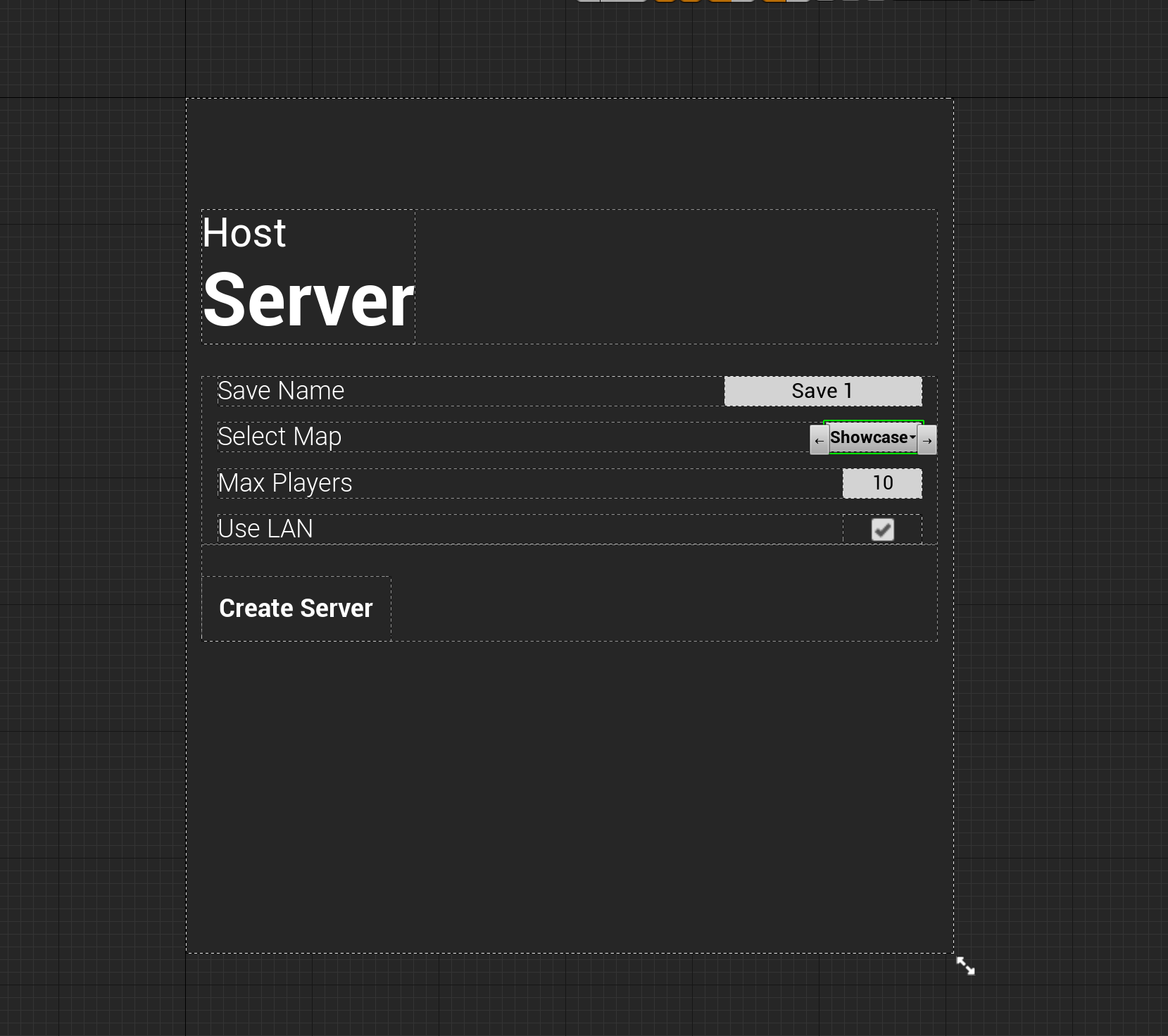
Then in the Details panel find the Default Options and click the + button to add another option and then set it to the levels exact name from the content browser, to remove and option select the down arrow next to the option name and select Delete.

To change the default selection just change the Selected Option setting to the level name.
Once this is done go to the BP_NewGame widget and repeat the process there.
Next go to the Project settings, and search for the List of maps to include in a packaged build setting, there click the + button and then select the … button next to the empty text box, navigate to your new map and select it. Once done you should have the file path to your map here like the image below.

 Defuse Studios