You can change a weapons Field of view (FOV) when the player aims with that weapon, this is controlled in the weapons holdable blueprint in the Class Defaults. Search for FOV to find the settings.
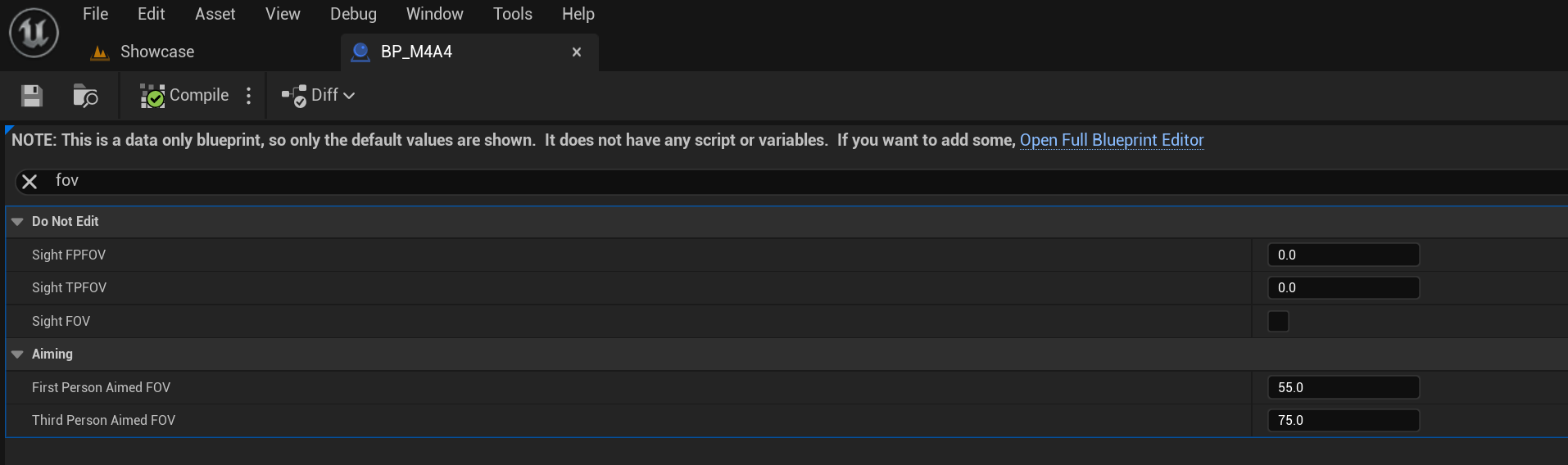
Here you can set the First Person Aimed FOV and the Third Person Aimed FOV setting for the weapon.
When a sight is attached to the weapon you can have the sight attachment change the weapons FOV while aiming. To change a sight attachments FOV values go to the sights attachment blueprint, like for example the BP_M4A4ReddotAttach blueprint, in the Class Defaults search for FOV.

Here you can set the First Person Aimed FOV and the Third Person Aimed FOV setting for the sight attachment.
Note these values will only effect a weapon when this attachment is attached to the weapon.
 Defuse Studios