



Available Now
Description
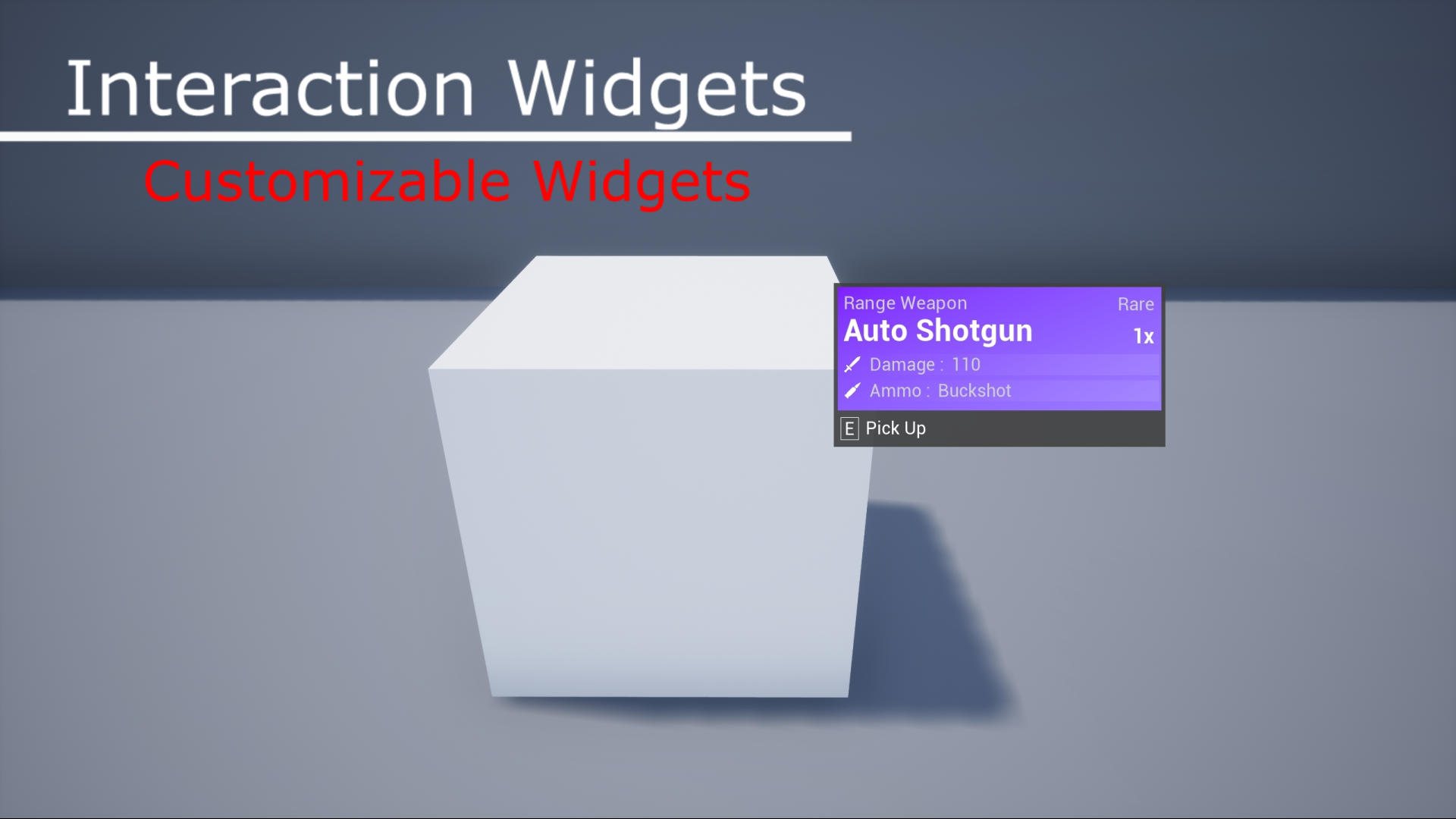
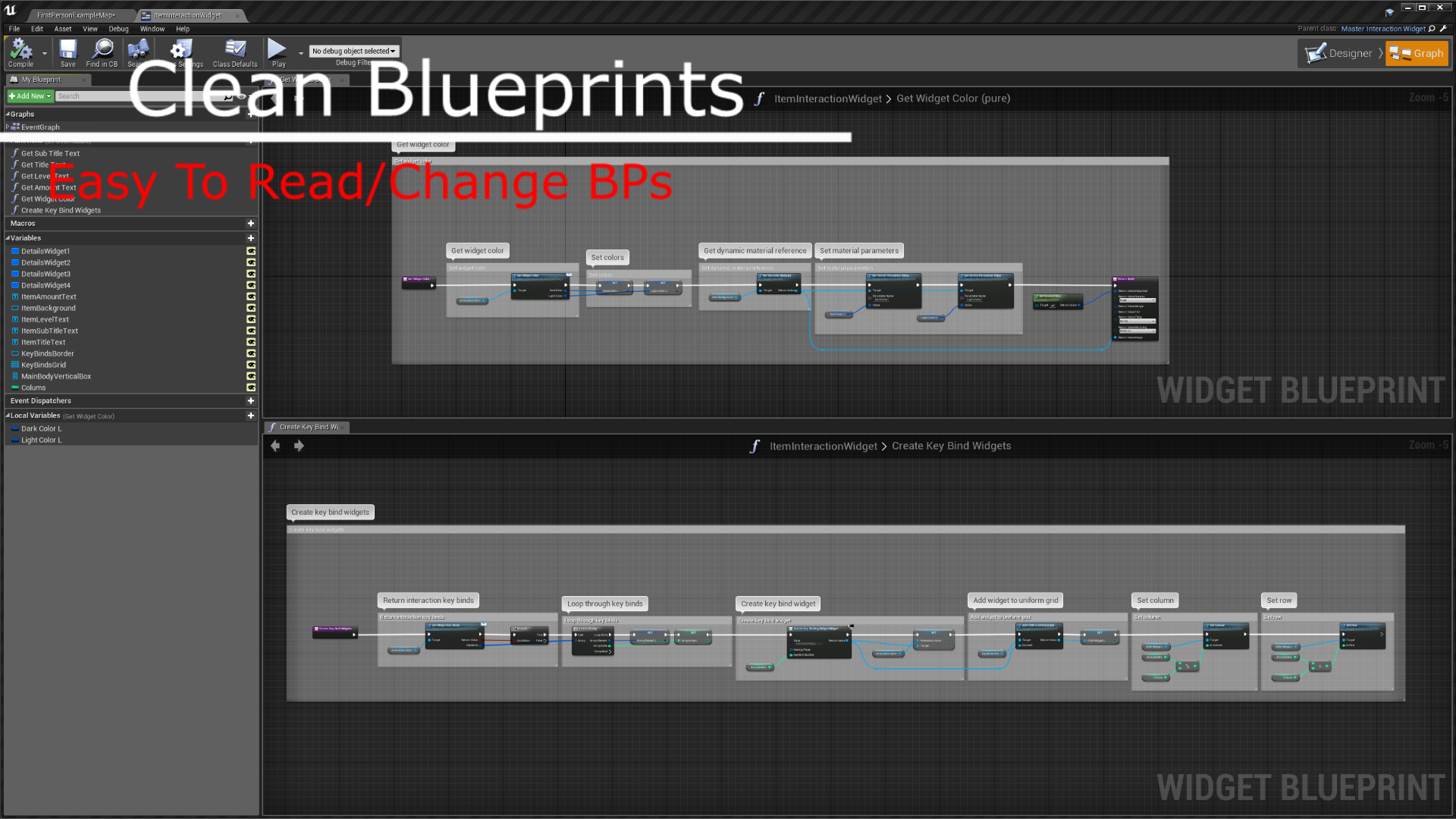
Interaction Widgets is a great way to add clean UI to your game. Focused on making the process quick and easy to add these widgets to any actor, and be able to customise them to your projects needs. Included are some examples of how to setup the widgets for many different interaction use cases.
Features
- Clean Widget Design
- Dynamic Resizing
- Displaying Key Binds
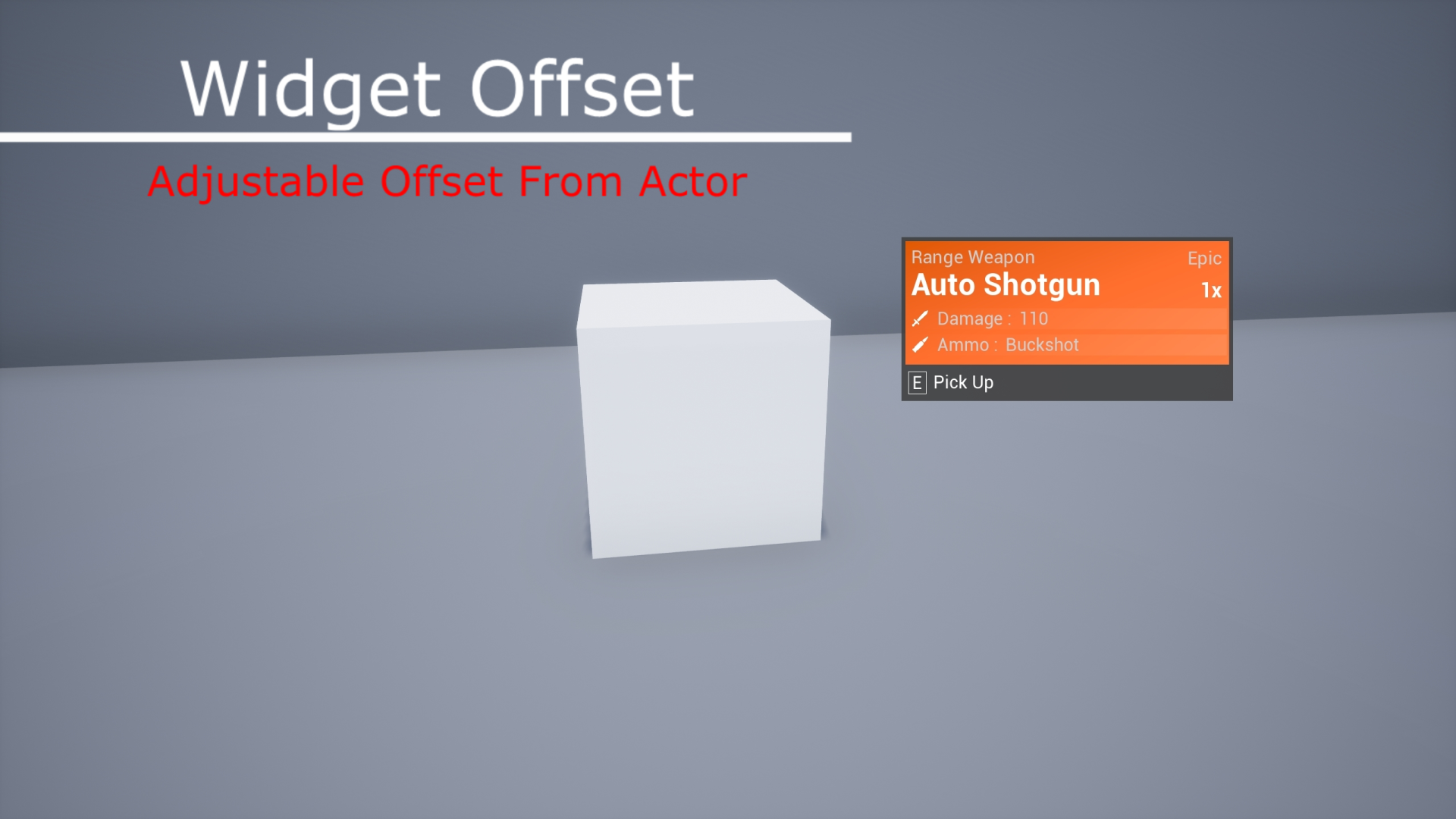
- Widget Offsets (Always have a clear view of your actor)
- Fast Integration
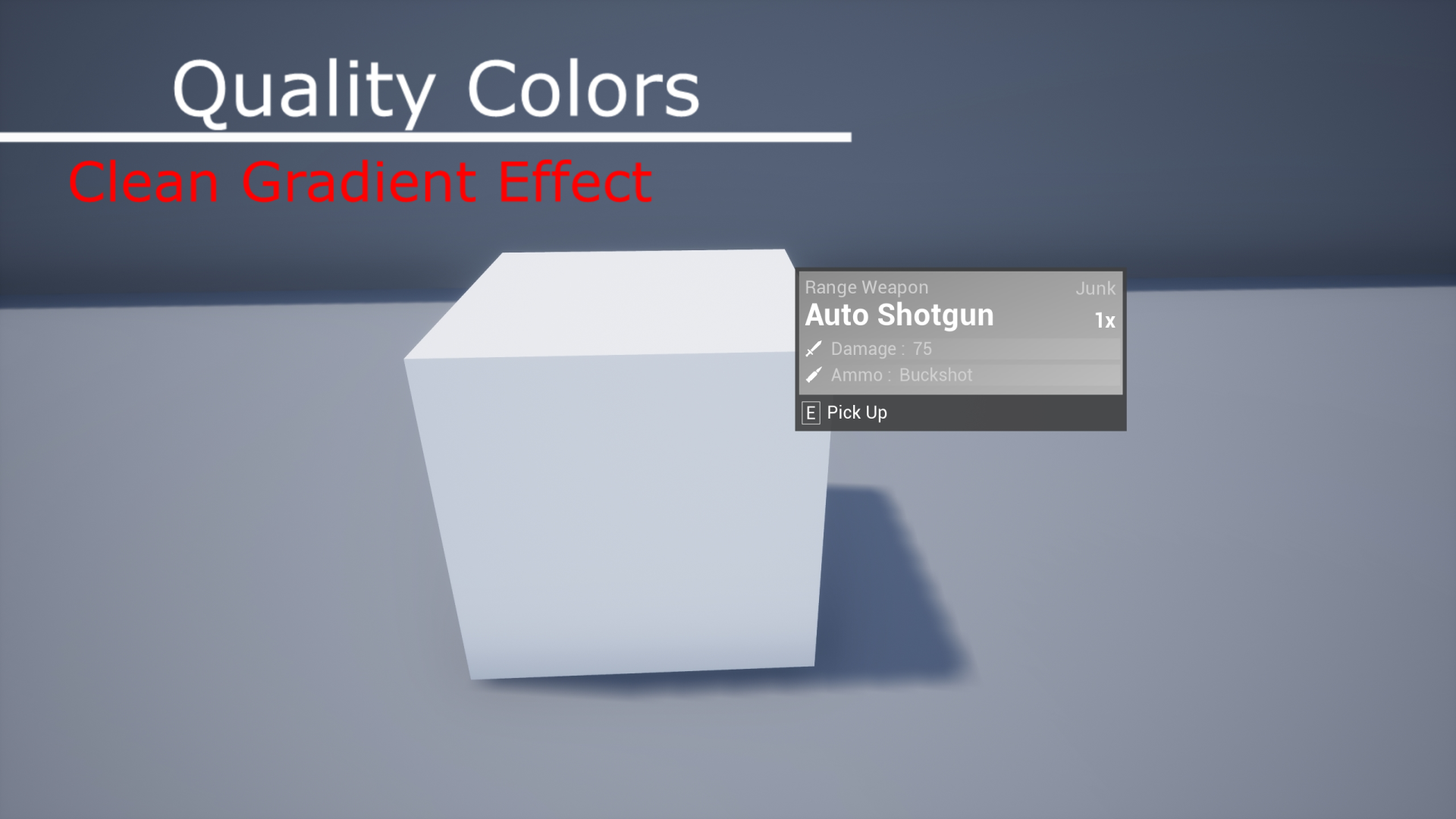
- Customizable Quality Coors
- Easily Add Gradient Effects
- Detail Widgets (Display any actors details with a professional Look)
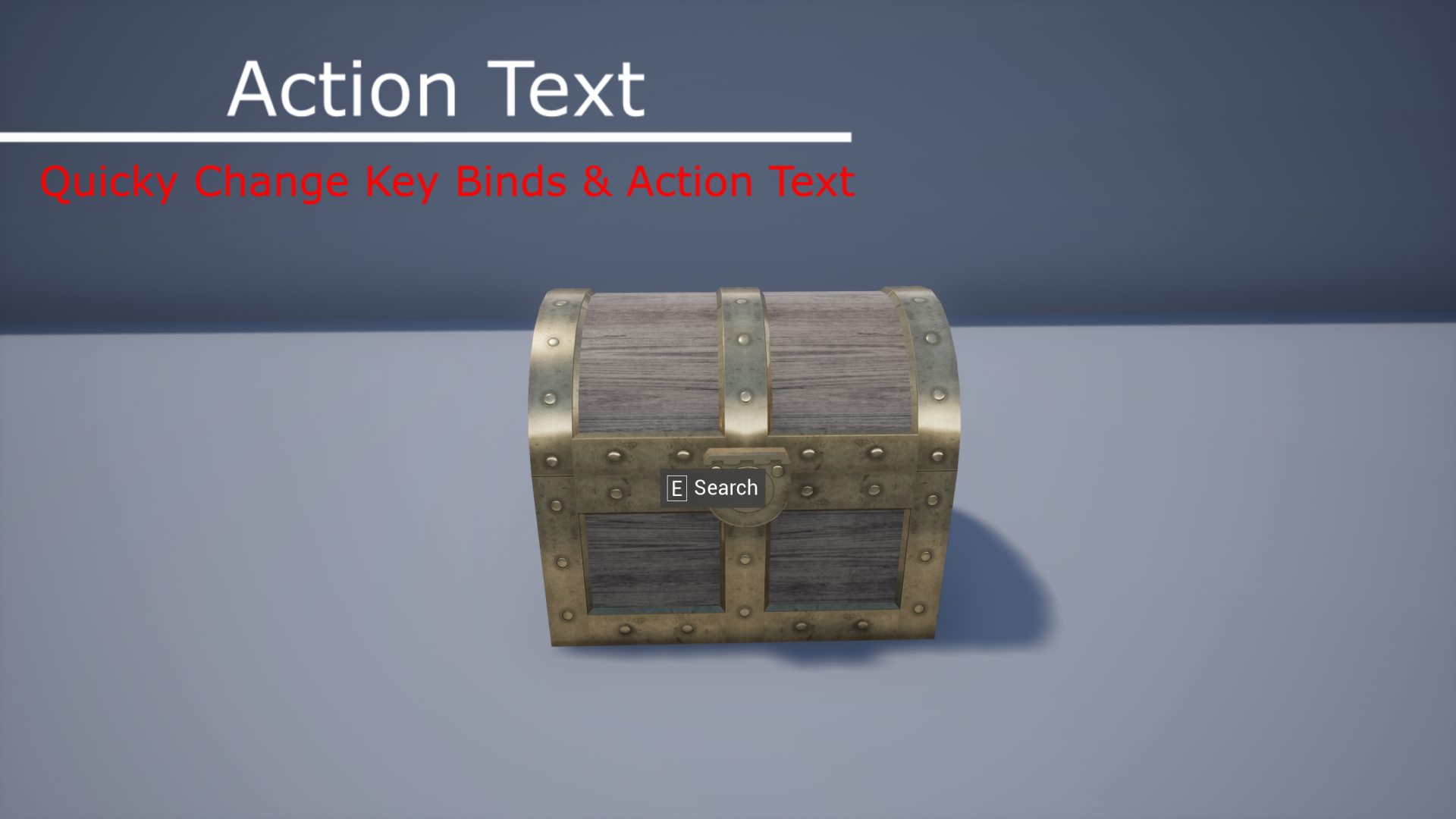
- Key Bind Only Widgets
- Quickly Change Action Text (Examples included)
Technical Details
Blueprints: 19
Input: Mouse & Keyboard
Network Replicated: Yes
Supported Platforms: PC, Mac, PS4, Xbox One
 Defuse Studios
This is an amazing blueprint and it works fantastic on almost every type of game mode….except in VR mode. For the life of me, I cannot figure out why, even when switching out the camera, the boxes fly everywhere in VR mode. Is there a way to adjust it so that everything appears correctly in VR?
Hey there,
Sorry I have no experience with VR myself. I’m not sure what would cause that to happen.