



Available Now
Description
Documentation
Patch Notes
Discord
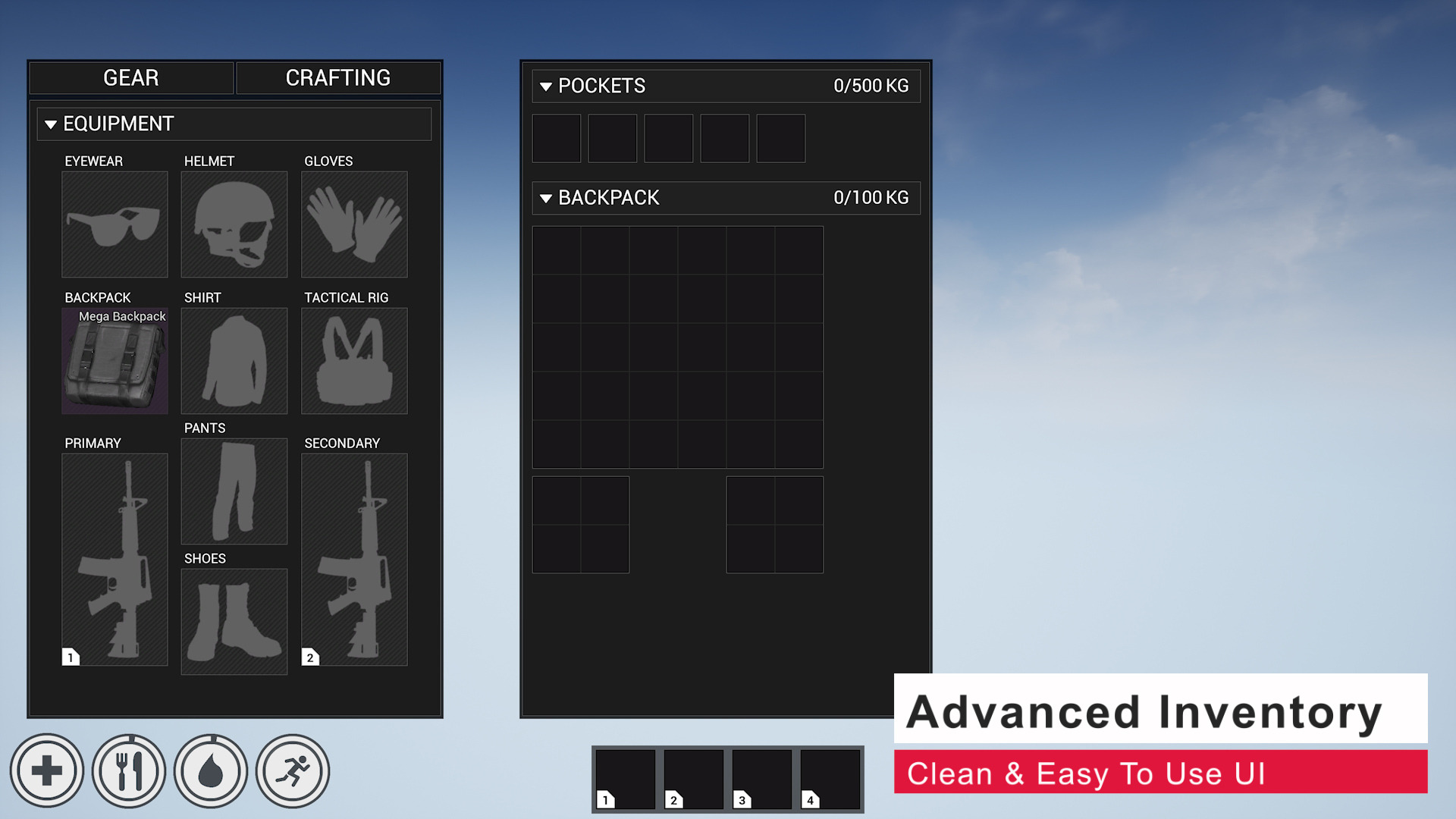
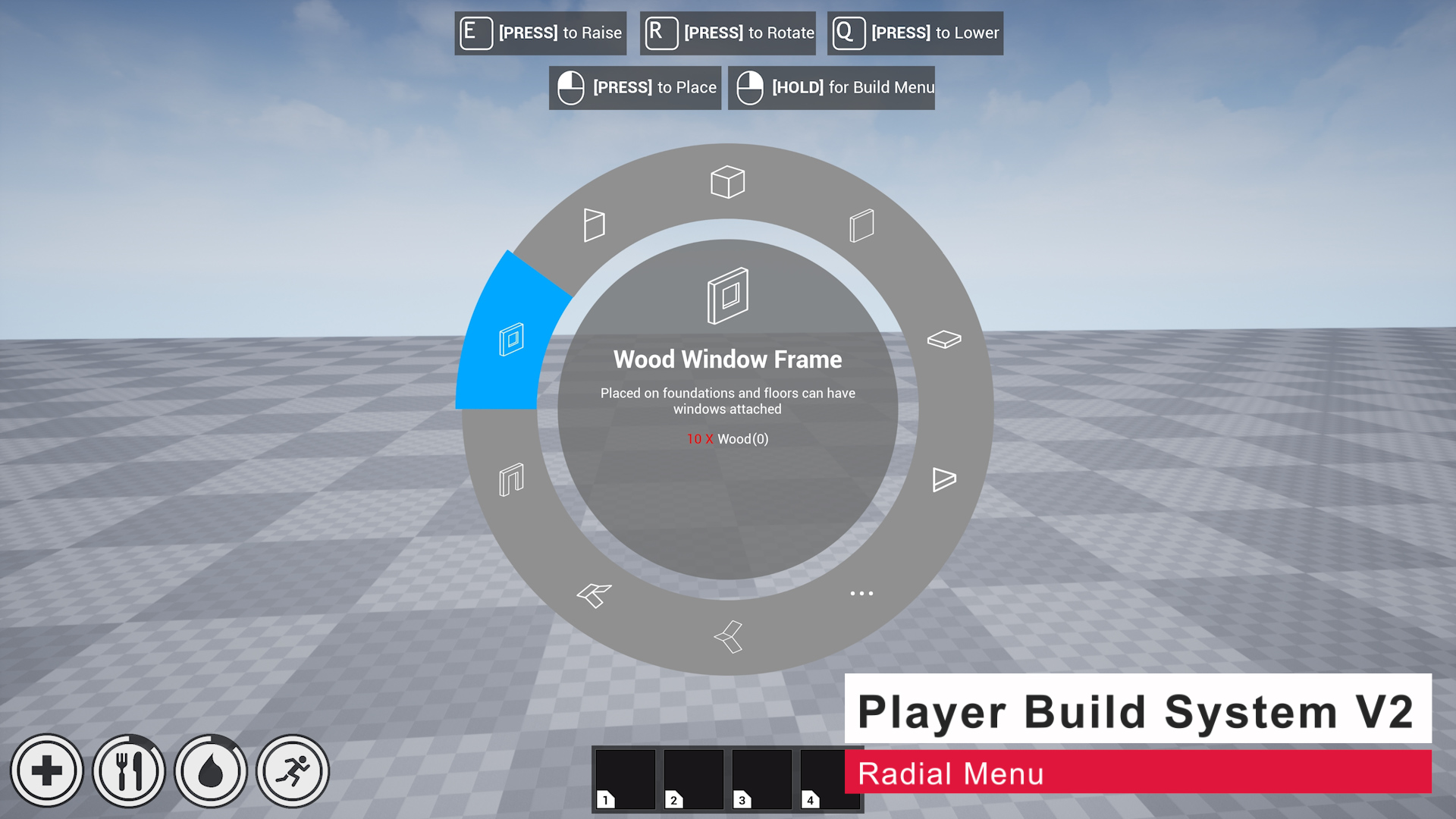
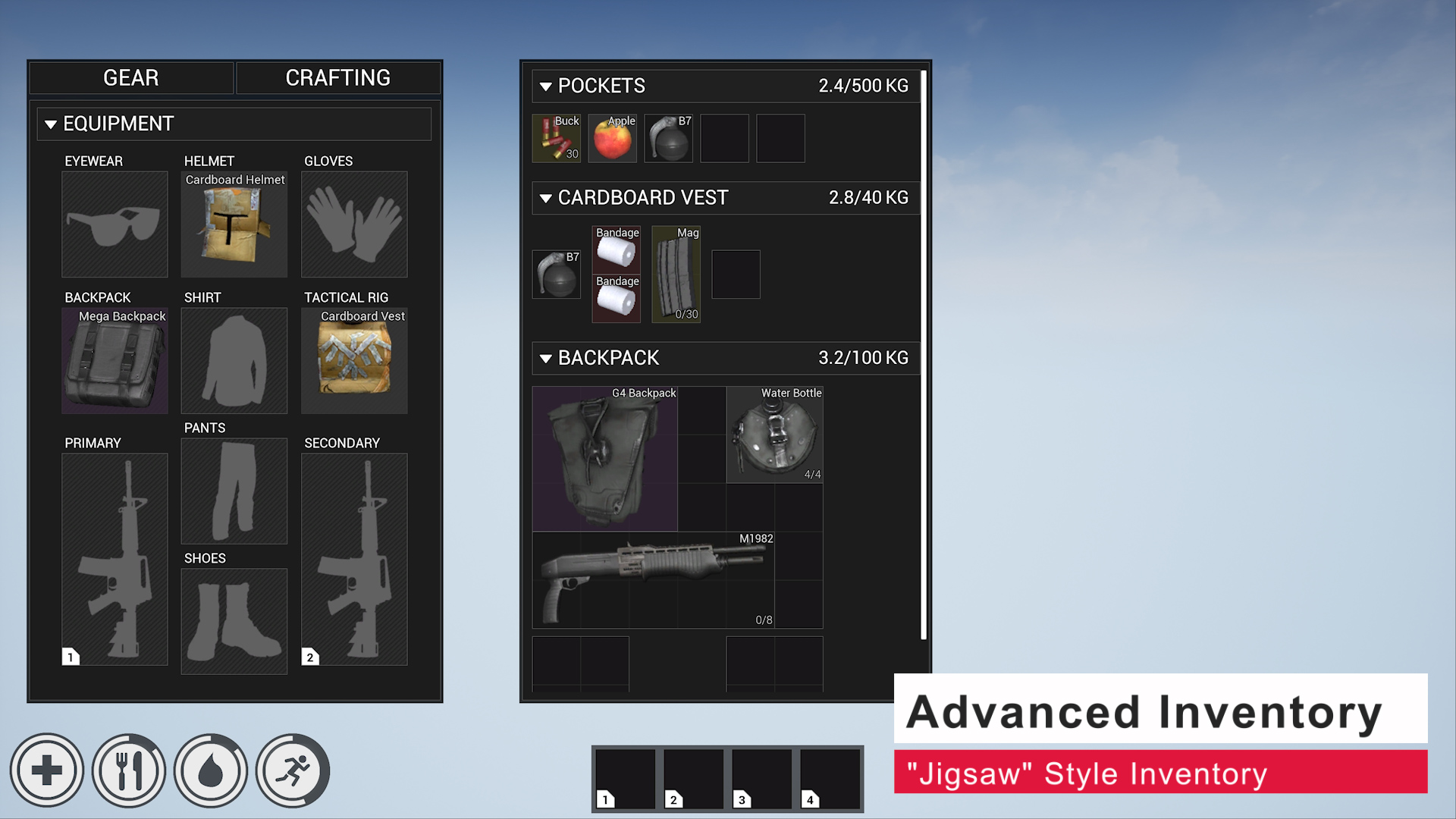
Survival game kit V2 brings all the features of the original with massive changes like a “Jigsaw” style inventory system, projectile based weapons and a full main menu and in game menu system just to name a few. V2 also includes Player Building System V2 a brand new player building system built from scratch for the needs of new modern survival games.
Features
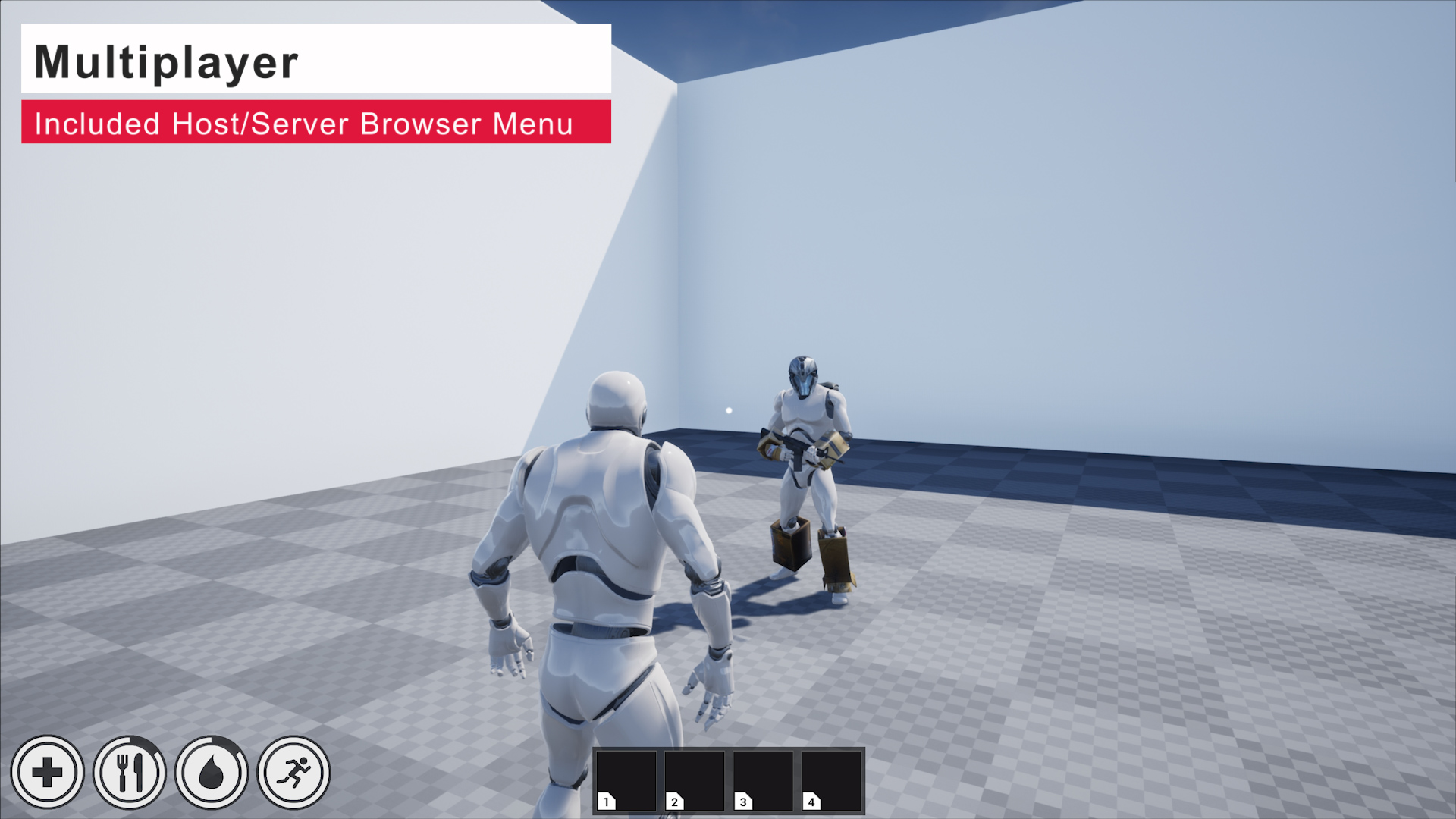
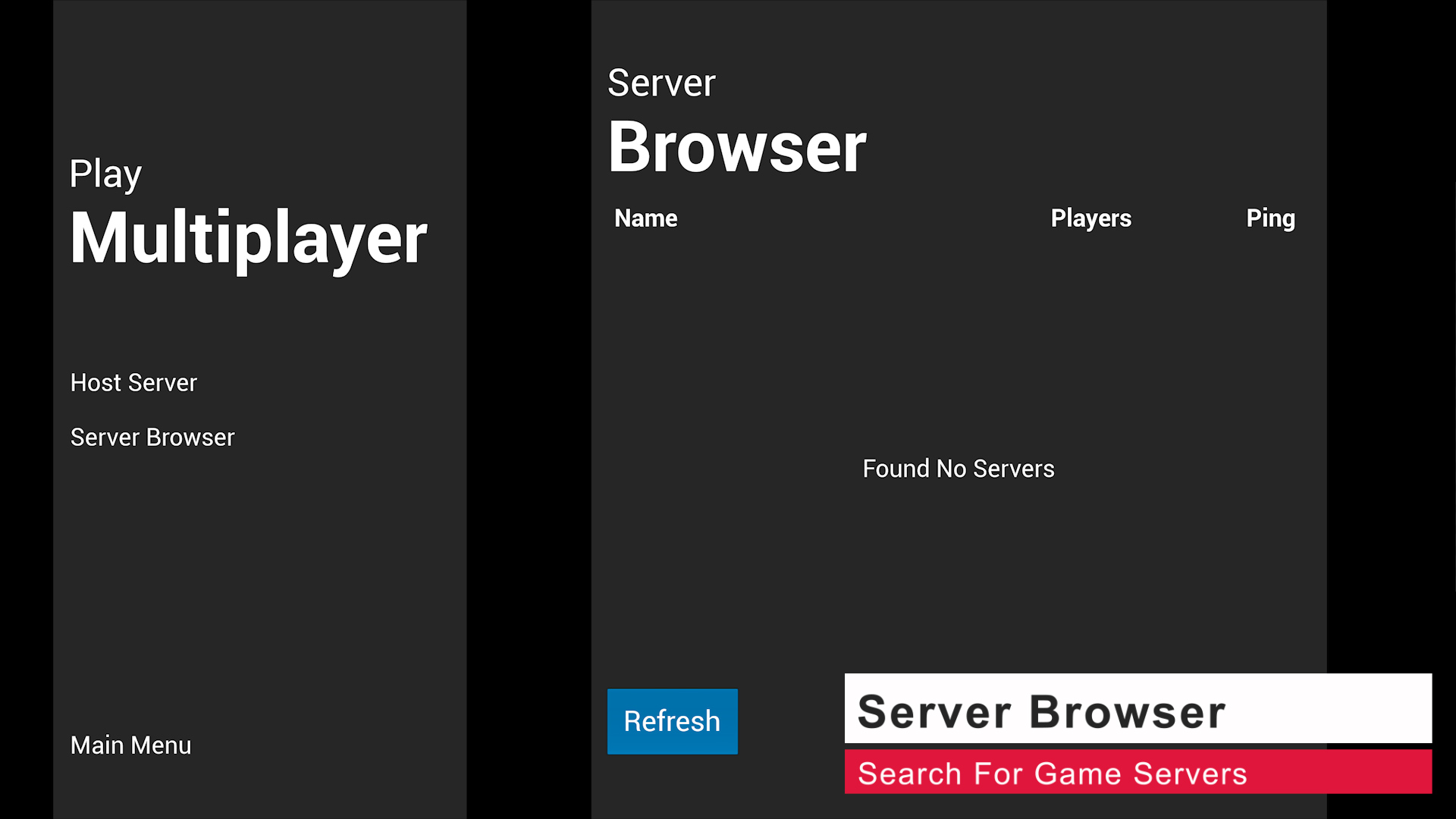
- Multiplayer Support
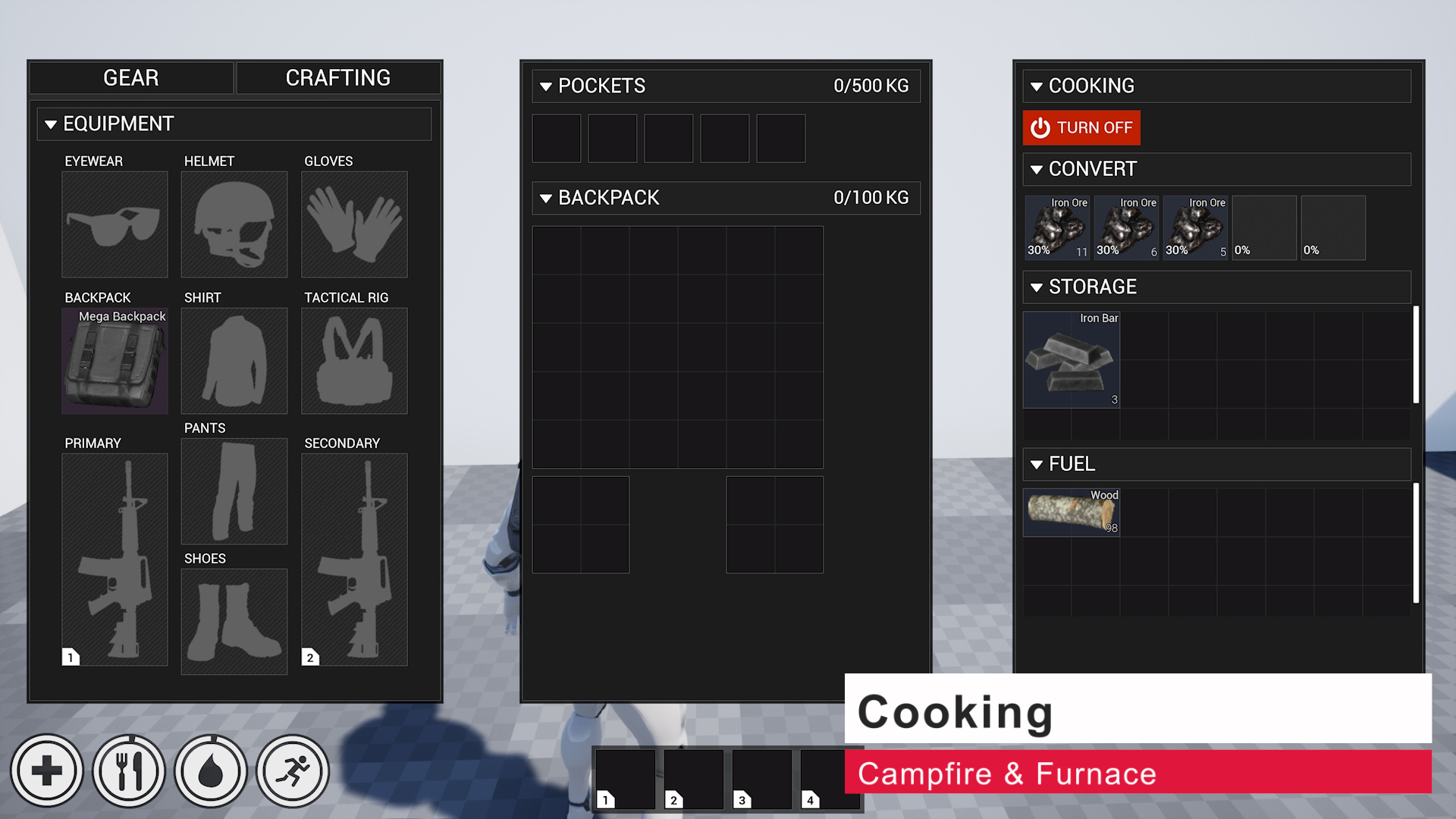
- “Jigsaw” Style Inventory
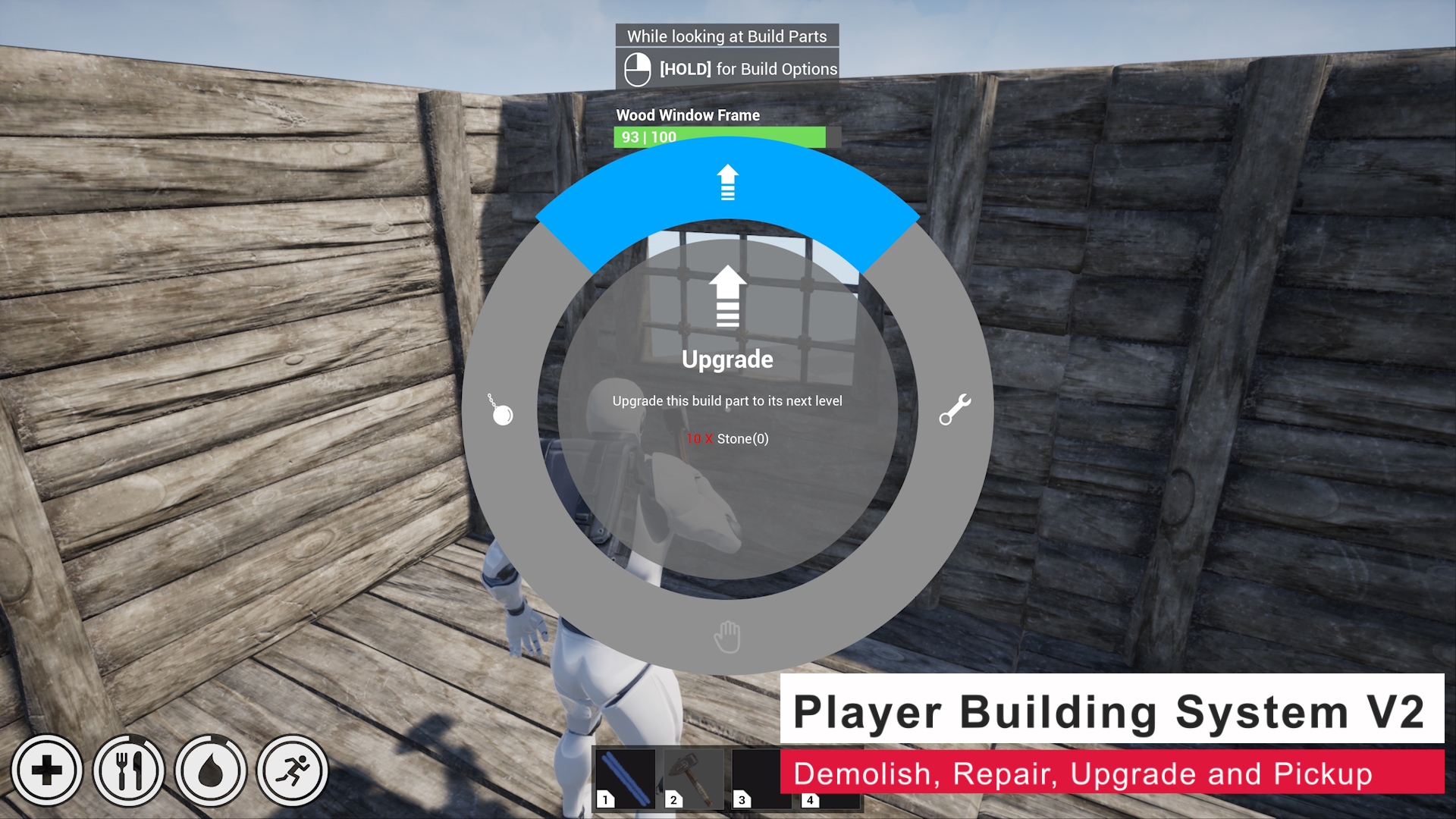
- Player Building System V2
- Custom Inventory Slot Layouts
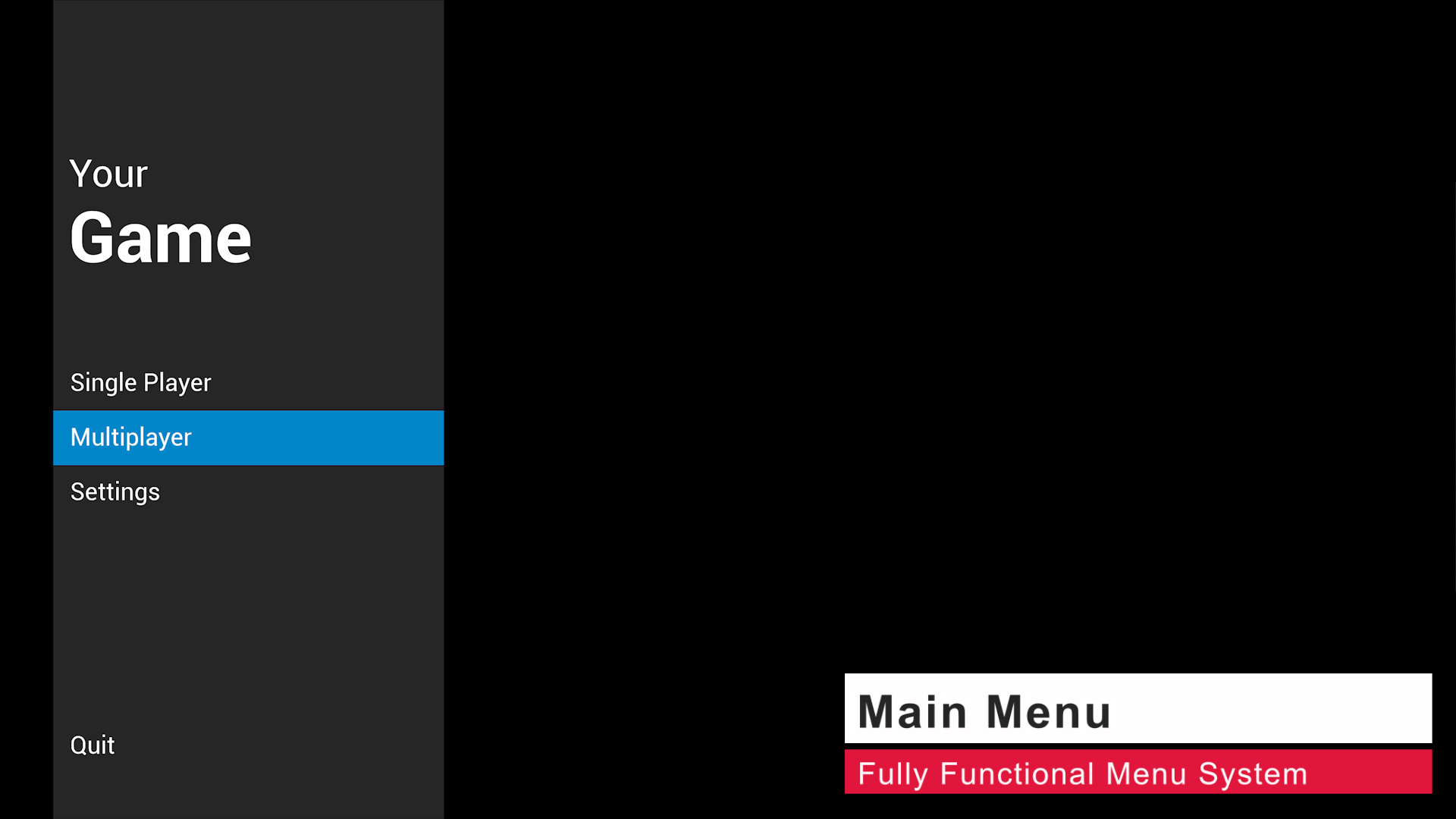
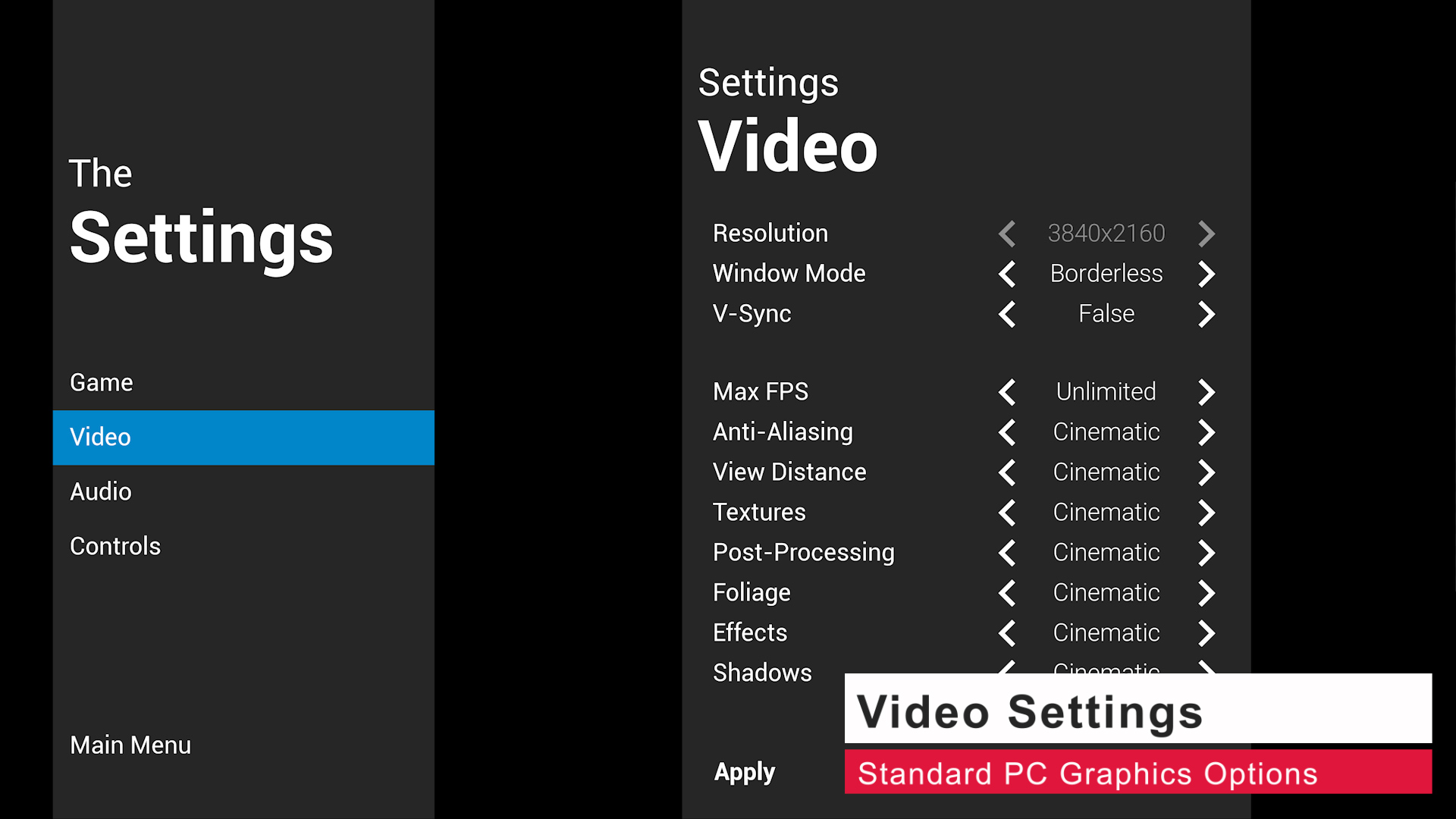
- Main/In Game Menu
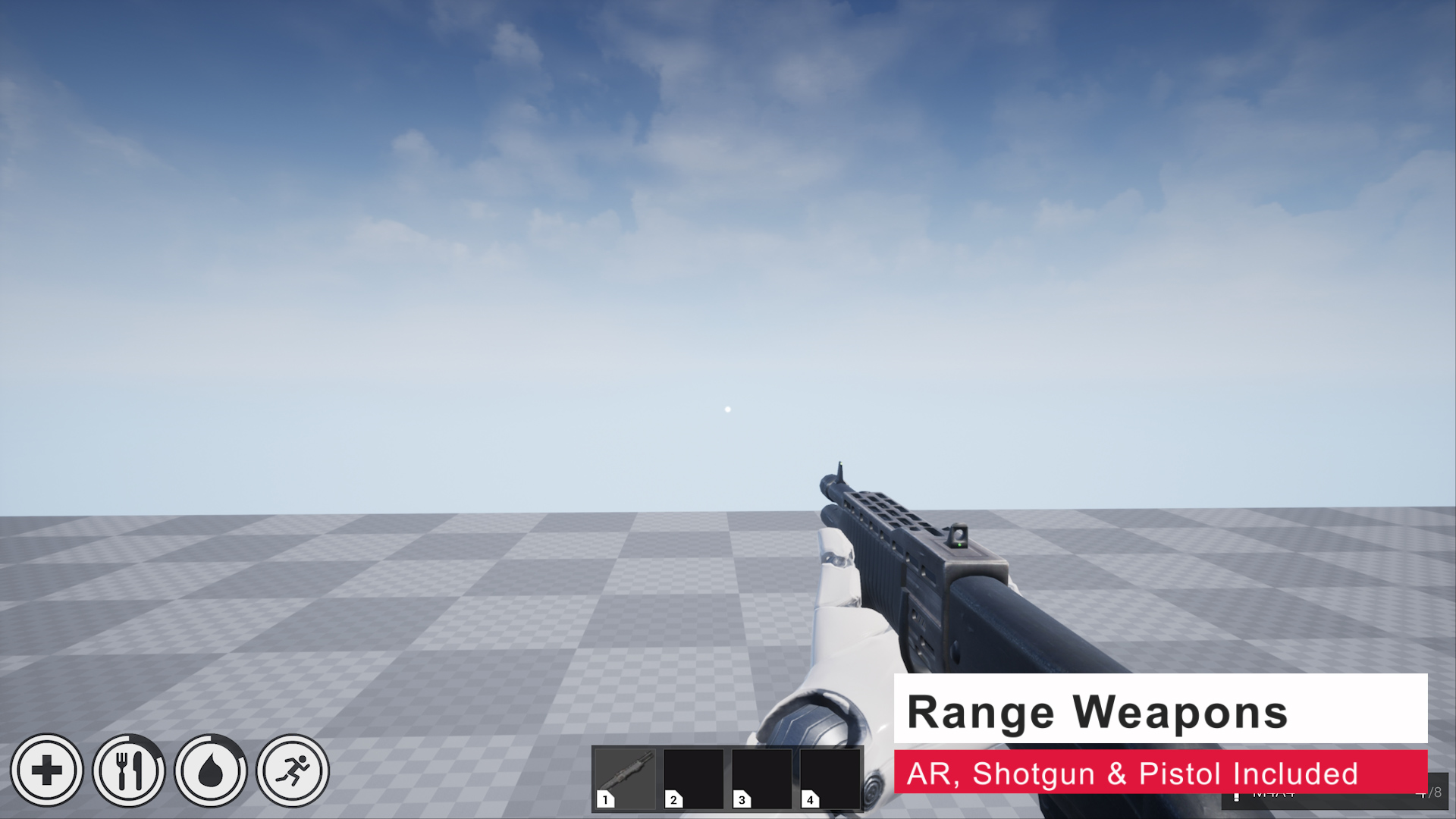
- Weapons (Melee/Range)
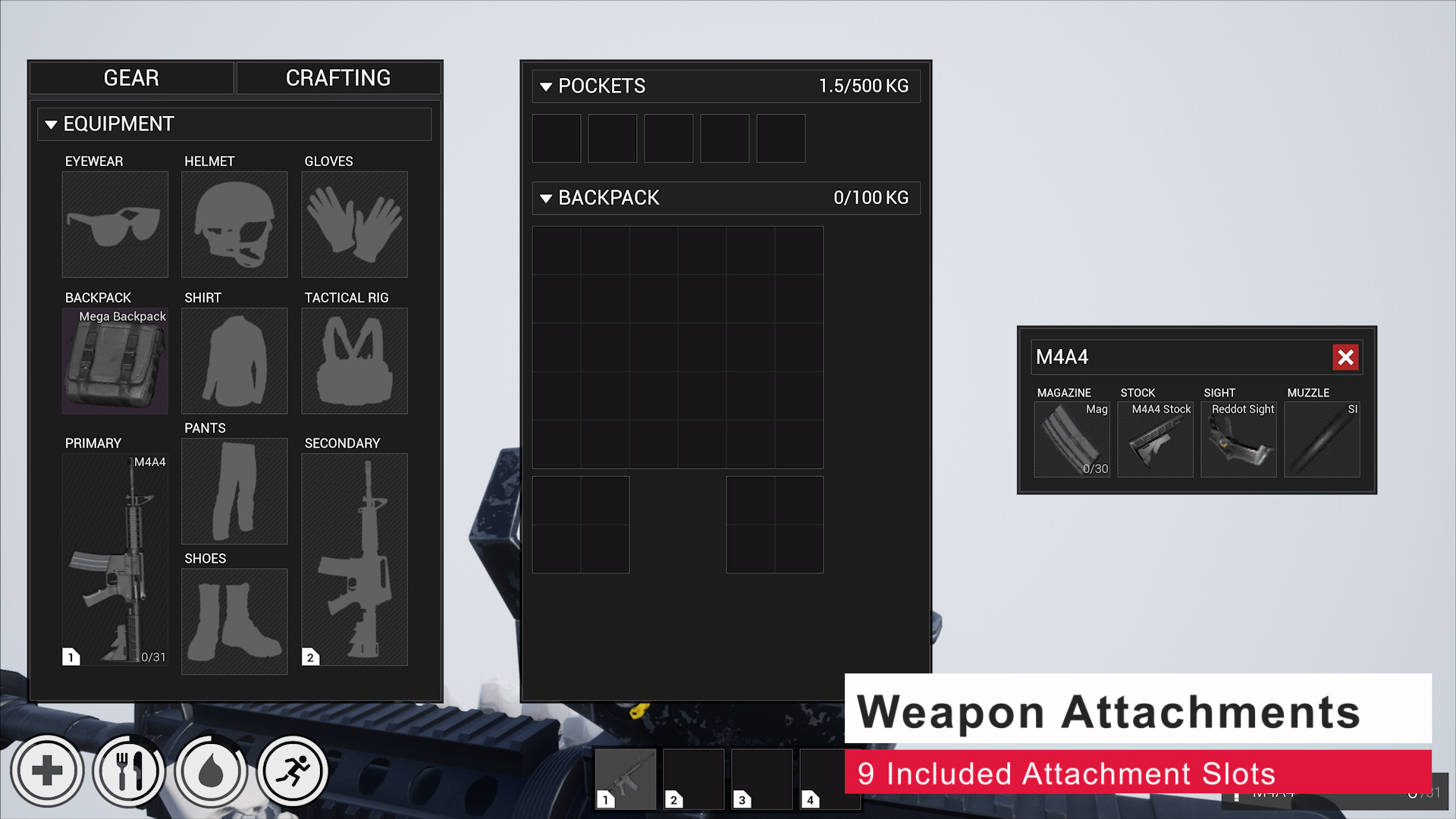
- Weapon Attachments
- Save System (Does not support World Composition)
- Building Ownership, Repair, Pickup and Demolishing
- Destructible Build Parts
- Campfire, Crafting Bench, Wood Chest, Vendors, Furnace & Bed (Respawn Point)
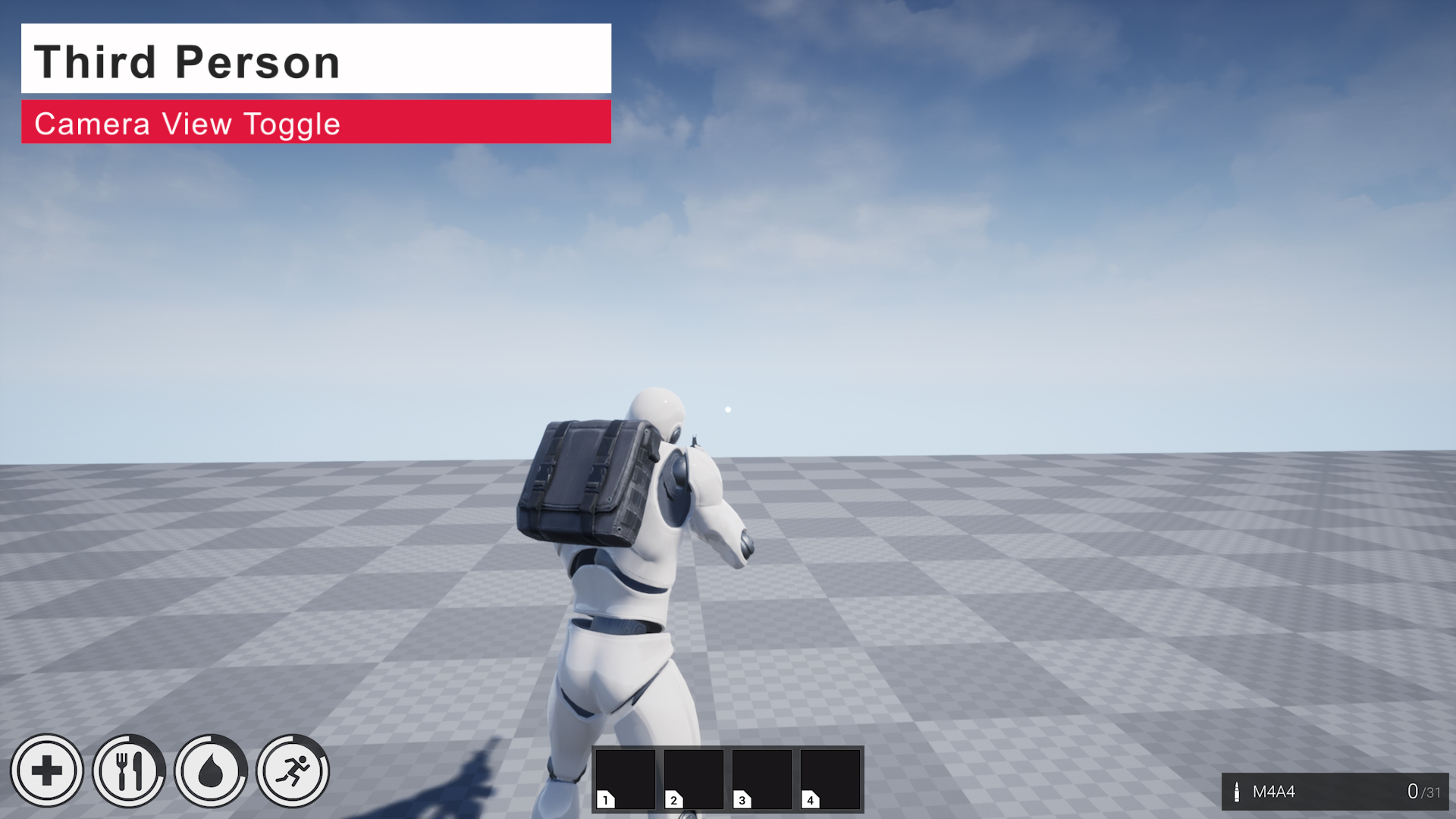
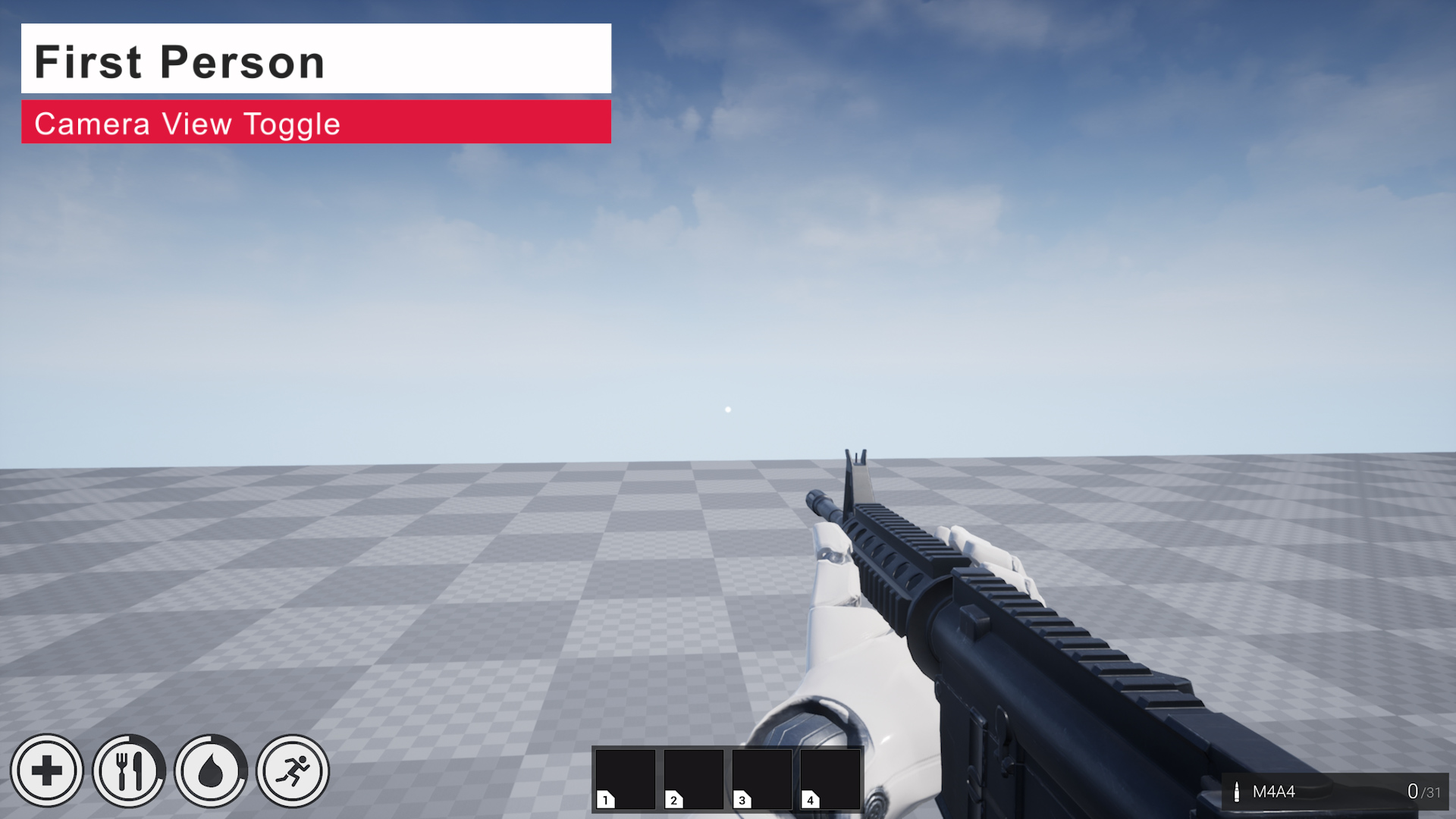
- First/Third Person
- Armour System
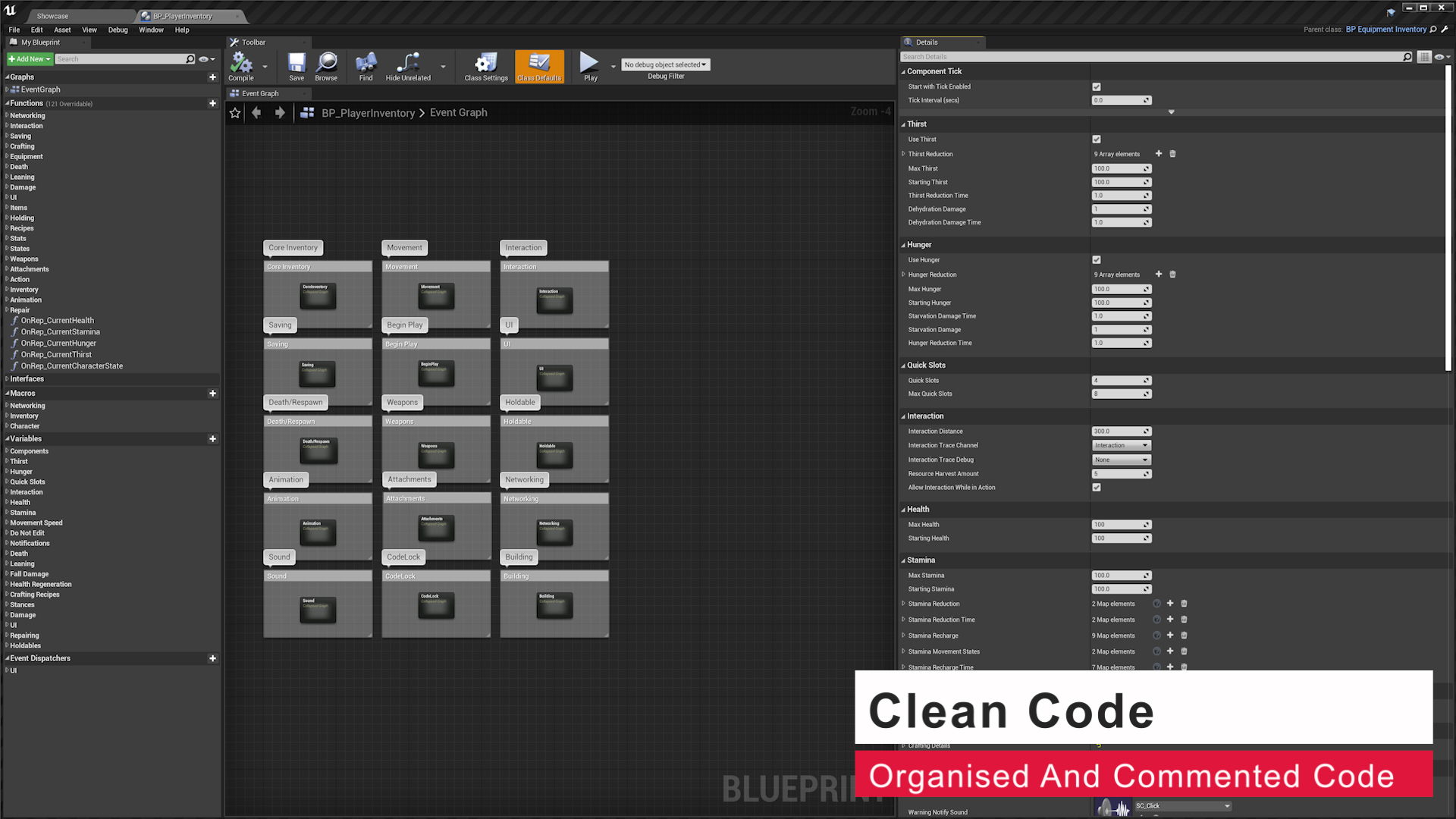
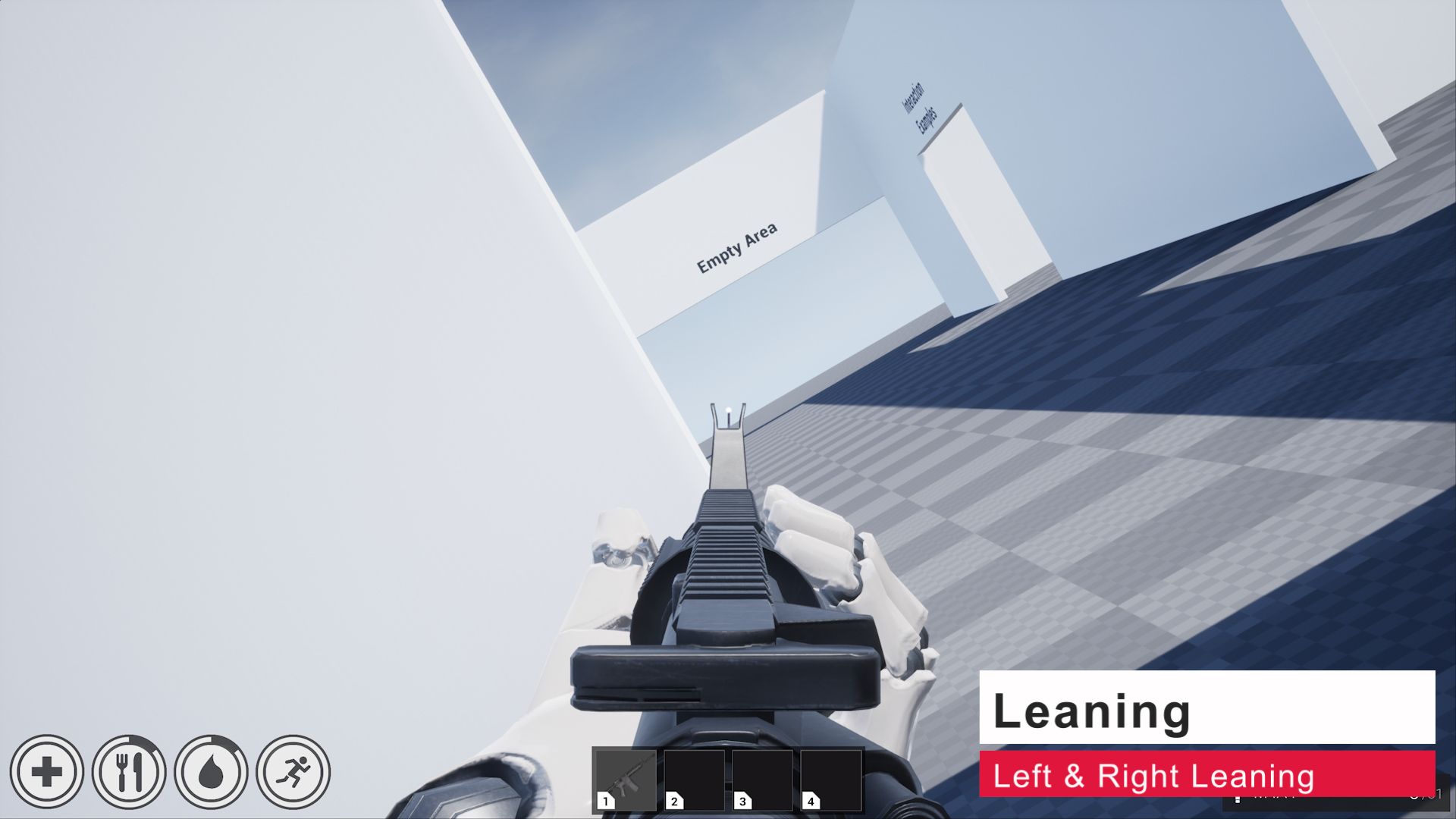
Check out the Full Feature List
- Container Items (Store Items Inside Other Items)
- Full Equipment System
- Item Durability/Repairing
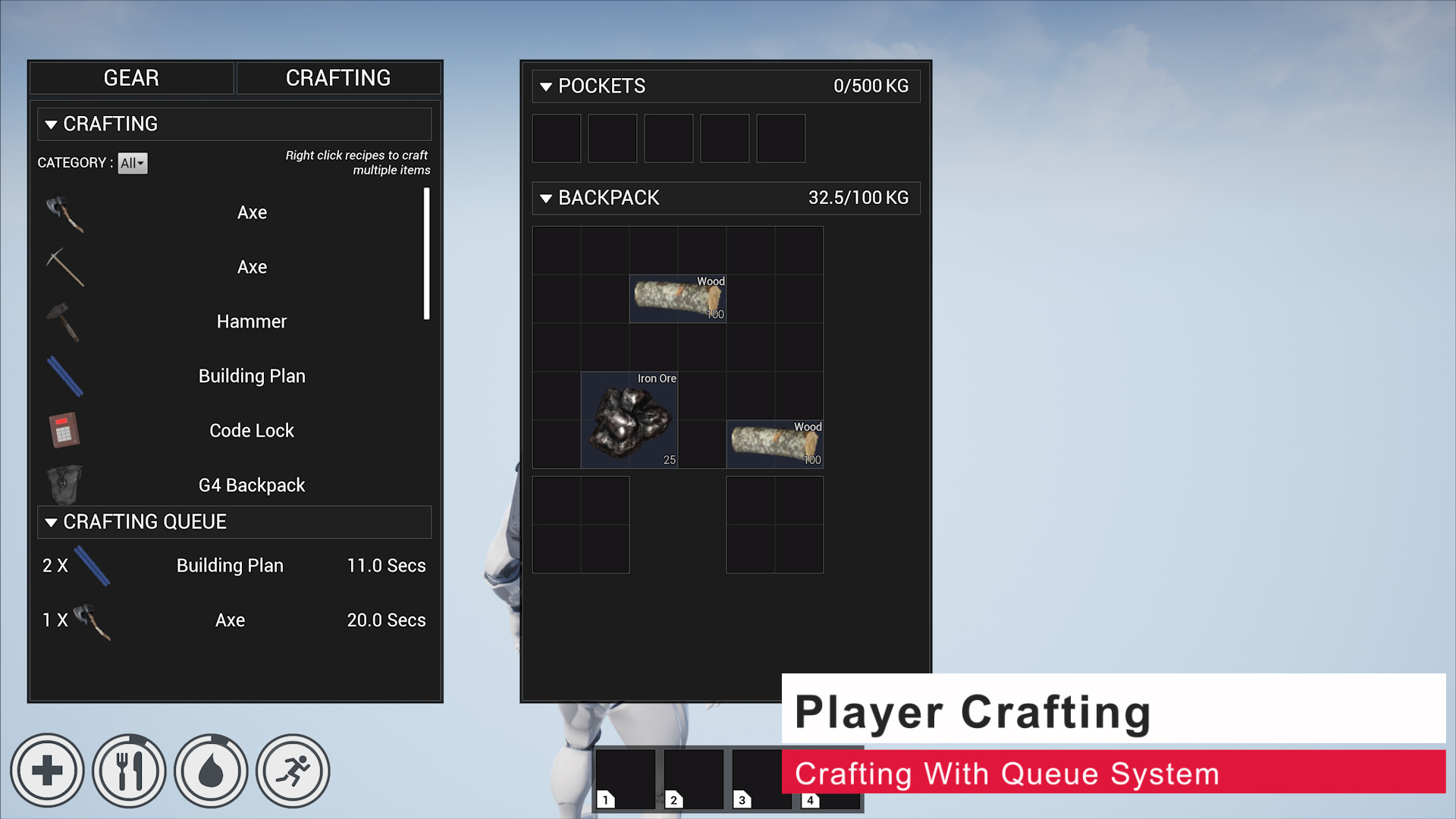
- Item Crafting
- Crafting Queue System
- Aim Offsets (Procedural & Standard modes)
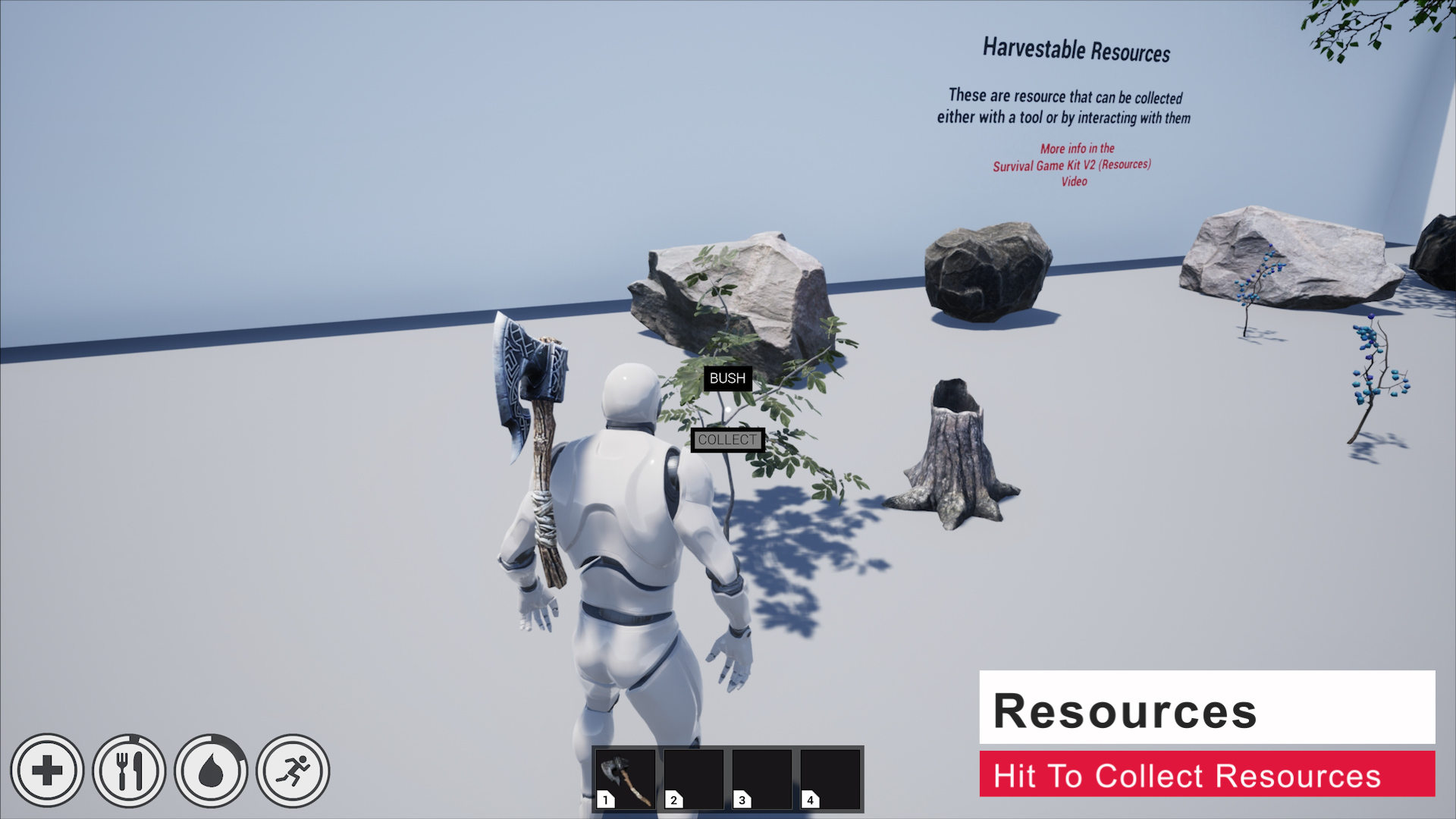
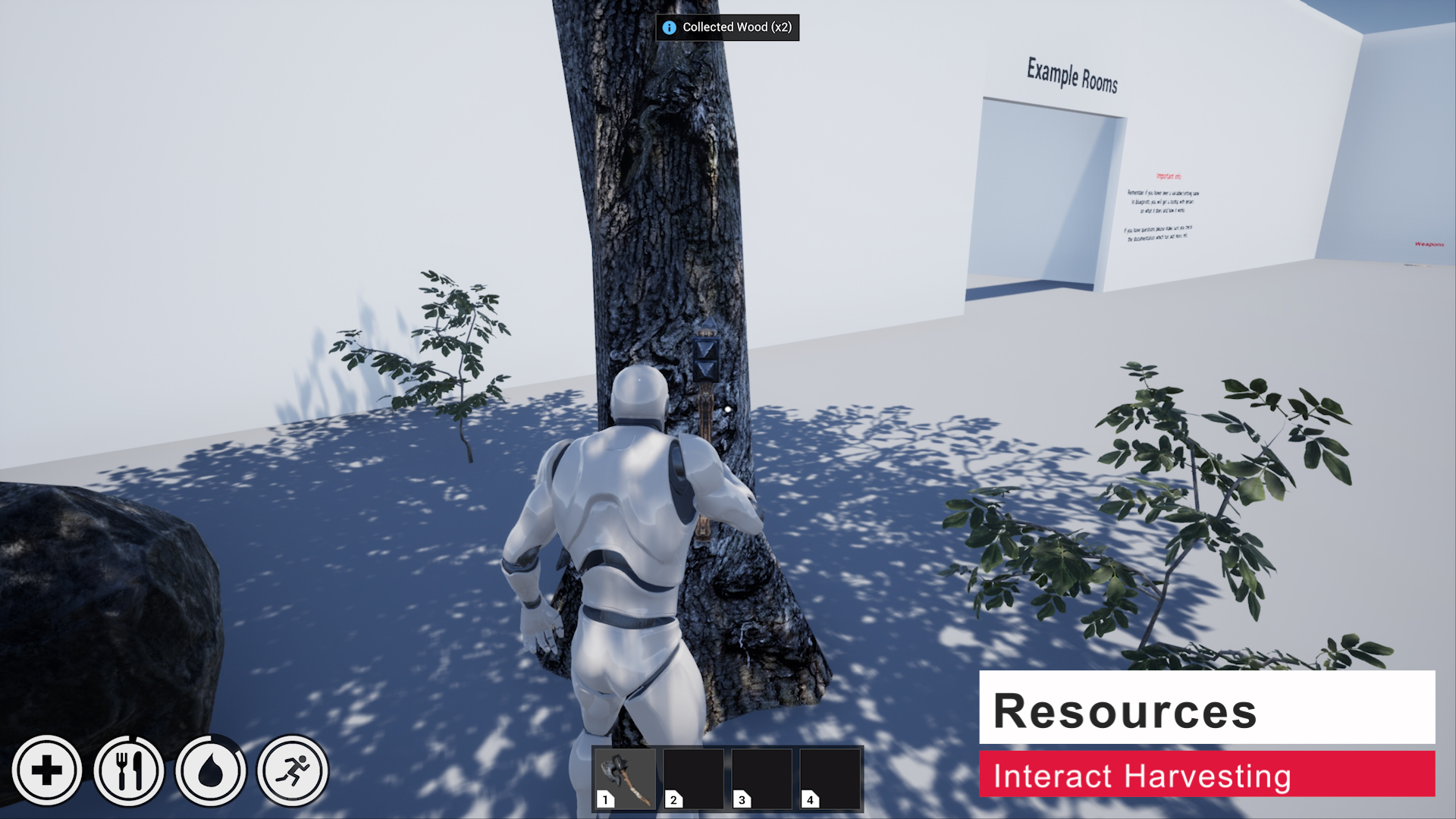
- Instance Resource Harvesting
- Respawn System
- Fall Damage
- Sprinting
- Starvation & Dehydration
- Weight System
- Bleed Damage
- Expandable Interaction System
Technical Details
Blueprints: 367
Network Replicated: Yes
Input: Mouse & Keyboard
Supported Platforms: Windows, Mac
Notes:
UE4 (Enable APEX Destruction Plugin)
UE5 (Enable Enhanced Inputs Plugin)
 Defuse Studios
Do you know of a tutorial that can help with merging sgk2 and alsv4. saw one for sgk1 but as you’ve said it a new system.
Hi, no sorry I dont use als so I don’t have any tutorial for it and I’m not aware of any.
Hello, I have a problem with the system for picking up.
When my character picks up a gun, it does not go into their hand, shoot, or reload.
And when I exit the editor, it doesn’t appear that I’m having any issues.
How do I correct this?
Sorry I dont have really have any suggestions for that, this isnt an issue in a new Survival Game Kit v2 project, you’ll have to backtrack though the changes you’ve made to try and figure out what change is causing that problem. If you’ve changed the equip animations or retargeted them you should check that the animations your using have the same animation notifies and animation curves as the included equip animations.
i also want to merge alsv4 with sgk2 do you think you can help us?
Hi, no sorry I dont have any guides for that, you would have to workout how to integrate that into the project yourself.
Hi
It says that it is a blueprint runtime error: “Accessed none trying to read property CallFunc_GetAniminstance_ReturValue_4” . Blueprint:BP_CharacterComponent Function: Execute Upergrapht BP Character Component Graph: Animation Node: Montage Stop
As I said you’ll have to check your changes I dont have instructions on how to fix this, the error is saying you mesh component in the character doesn’t have a anim class set or its has been destroyed. By default the Anim Class is set to the BP_ThirdPerson_Anim blueprint and there is no code that destroys the anim blueprint.
Hi does this work with unity?
Hi, no this is only for Unreal Engine
hello, I would like to know if in Epic Game Store I can directly create a project via sgkv2 or if I have to make a mandatory migration of the project to modify it?
I’m also stuck because I can’t change the texts, like the title of the game for example
Sorry for my bad english I’m french
Hi, yes you can just create a new Survival Game Kit V2 project from the launcher and use the project it creates. You dont have to migrate
it into another project. Those instruction are just for people with existing projects that want to add Survival Game Kit V2 to other projects.
There are guides on how to edit the menu in the documentation in the UI / HUD category.
I followed your tutorial and it worked fine in UE, but there were frequent errors when packing files
Hi, you didn’t say what video your referring to or what errors you have.